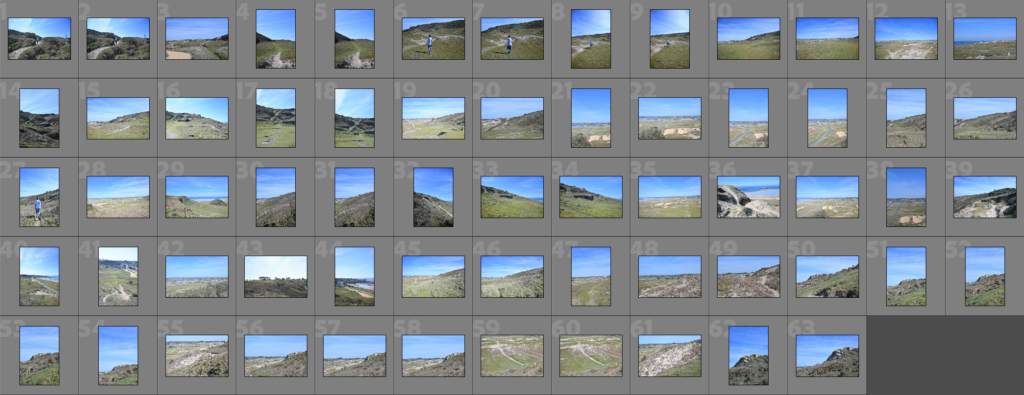
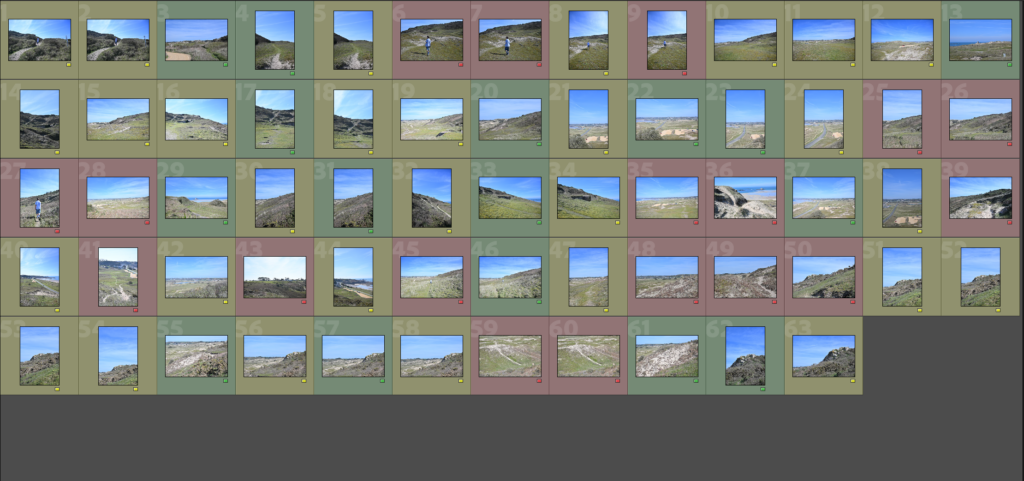
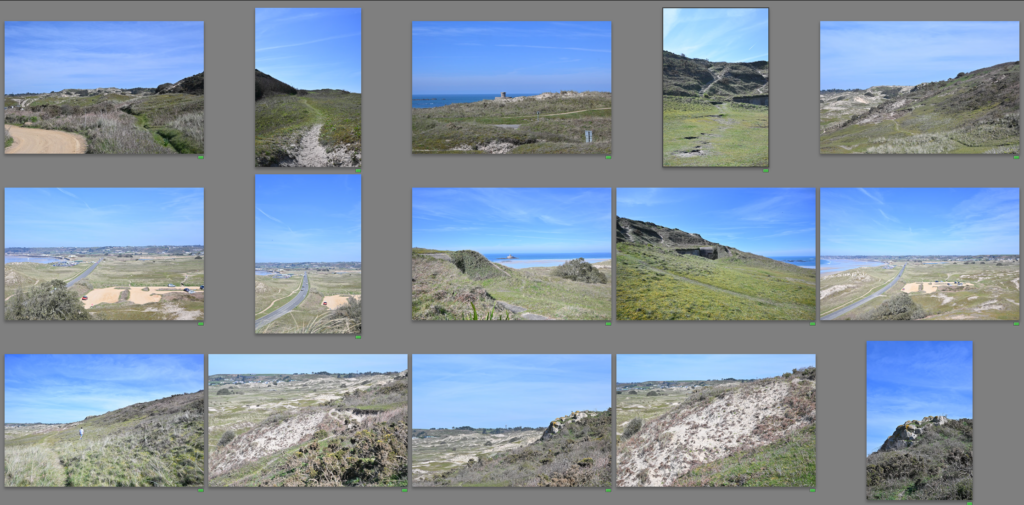
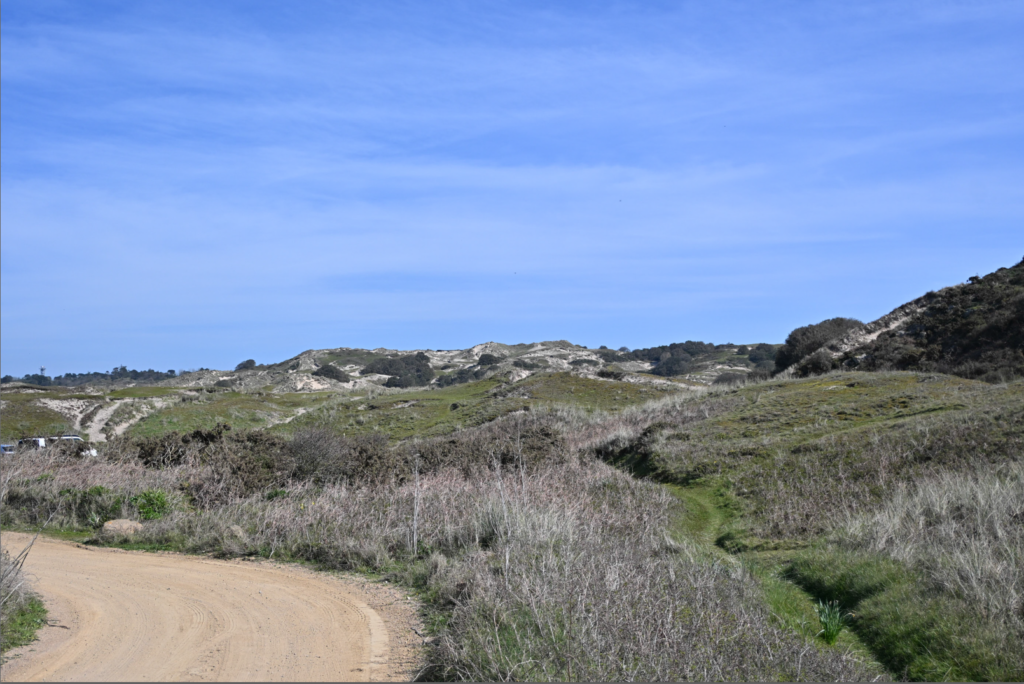
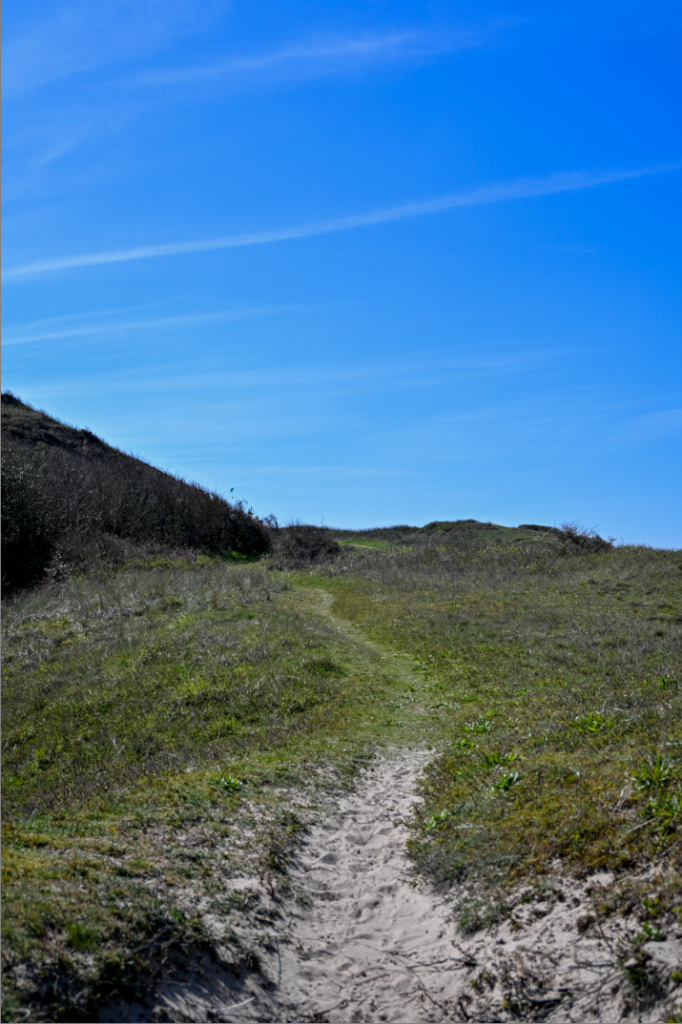
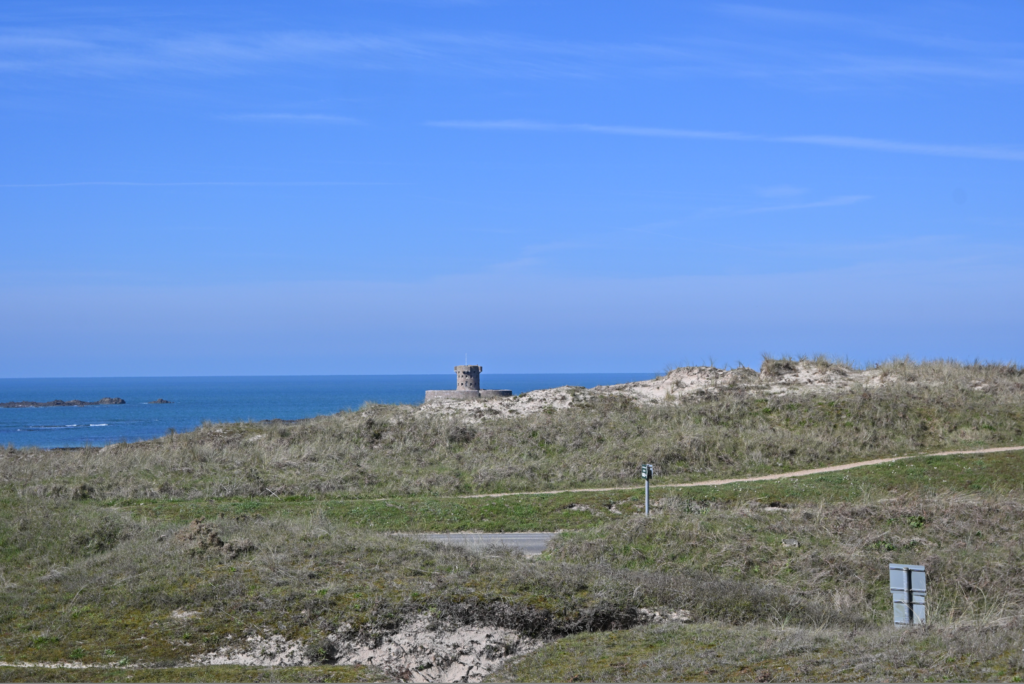
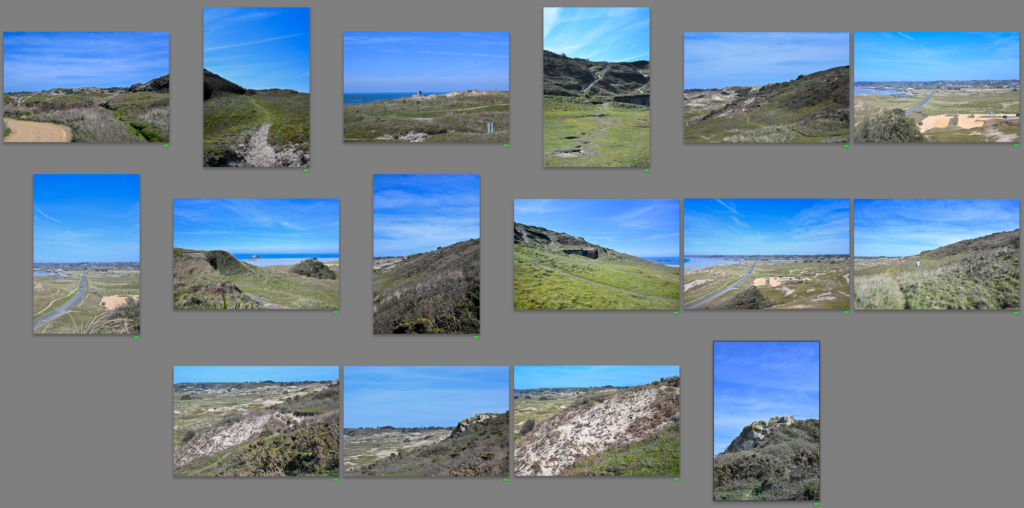
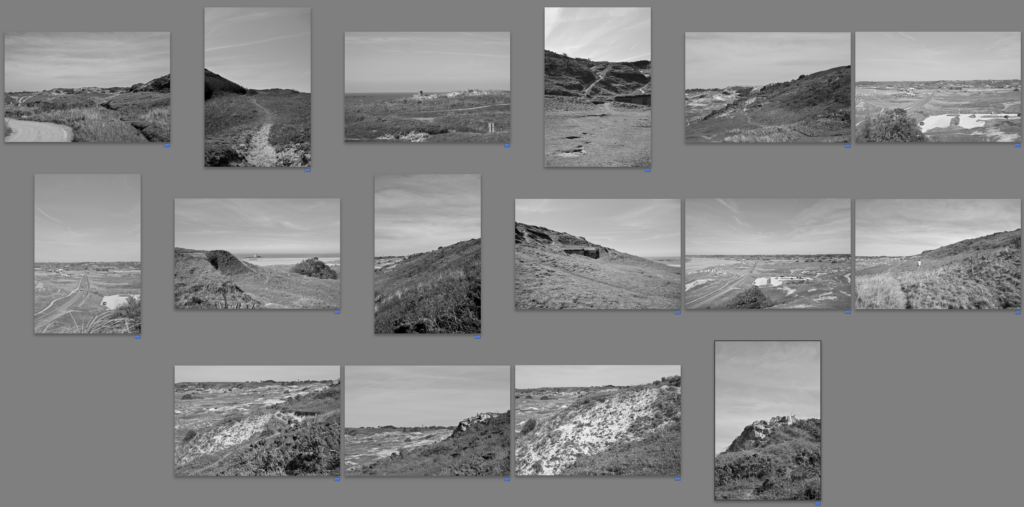
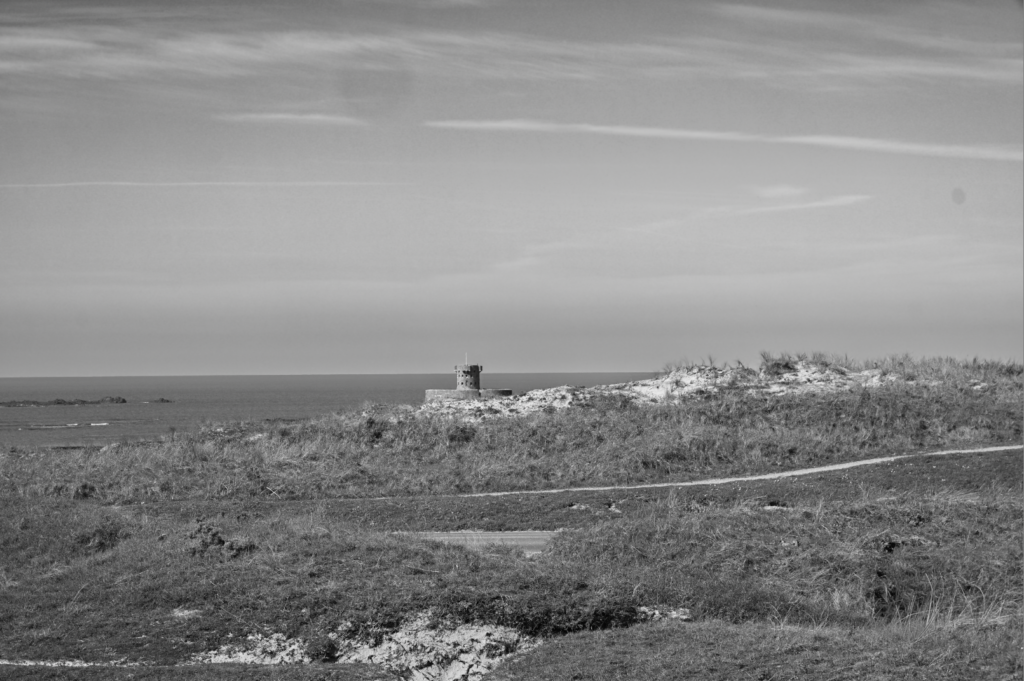
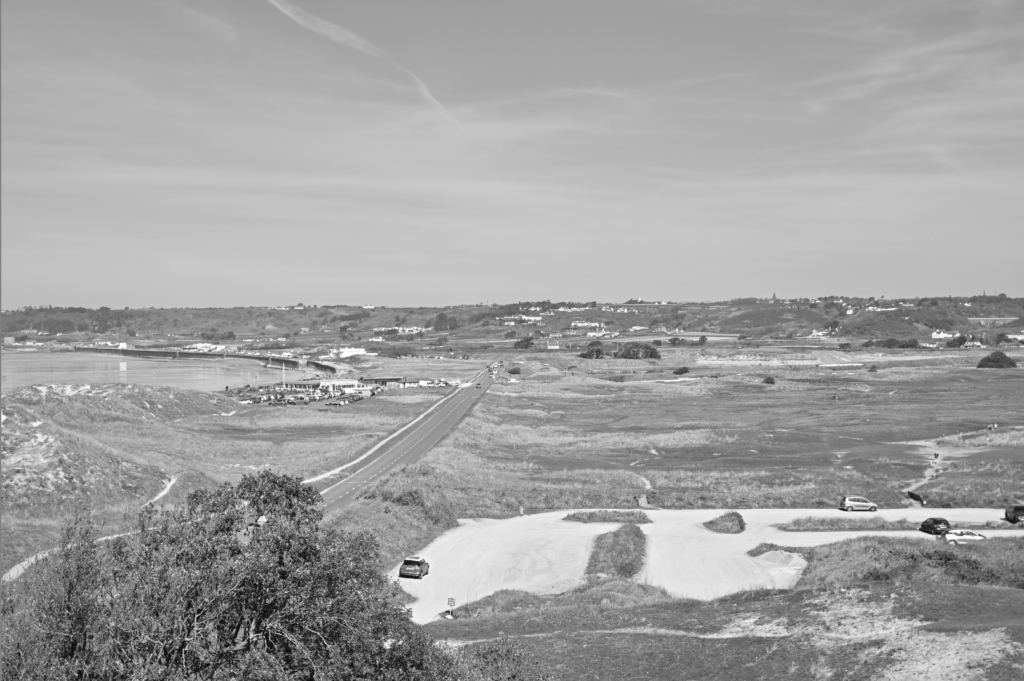
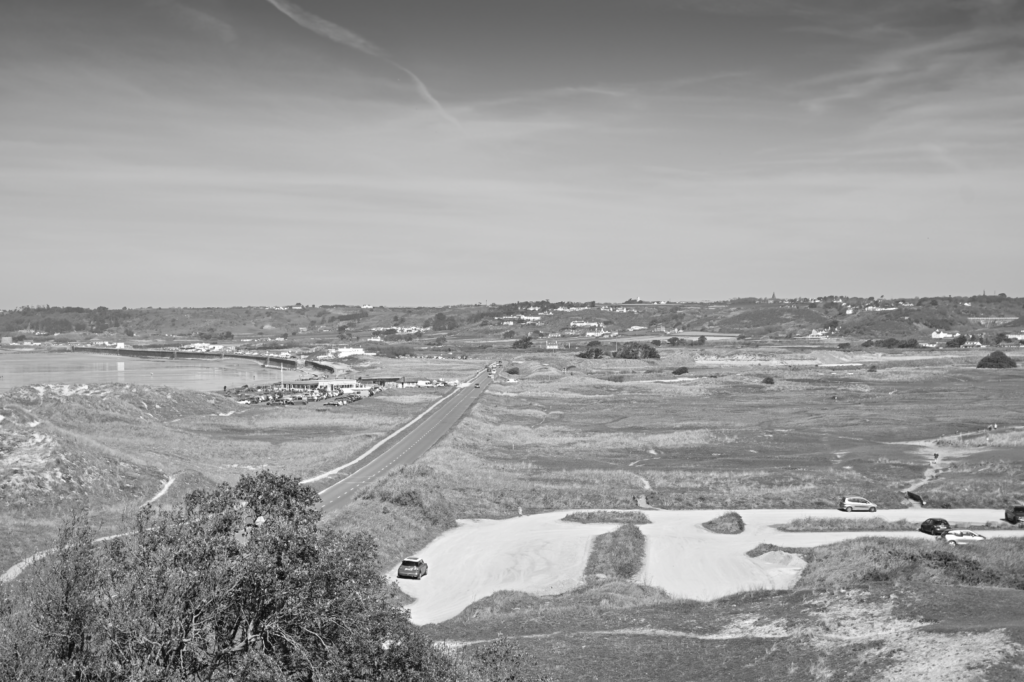
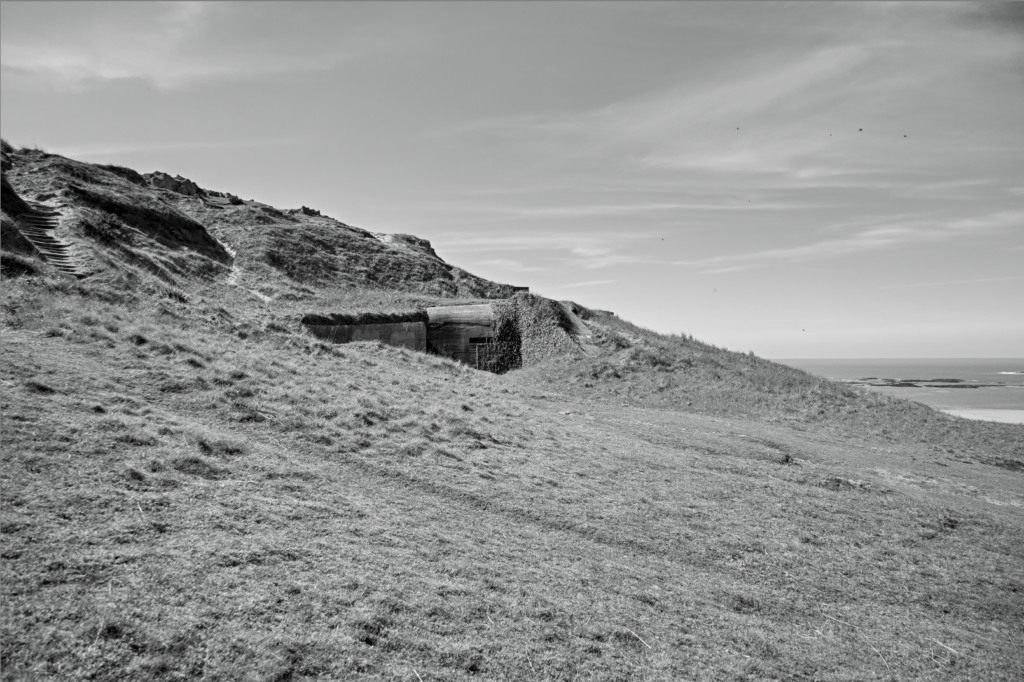
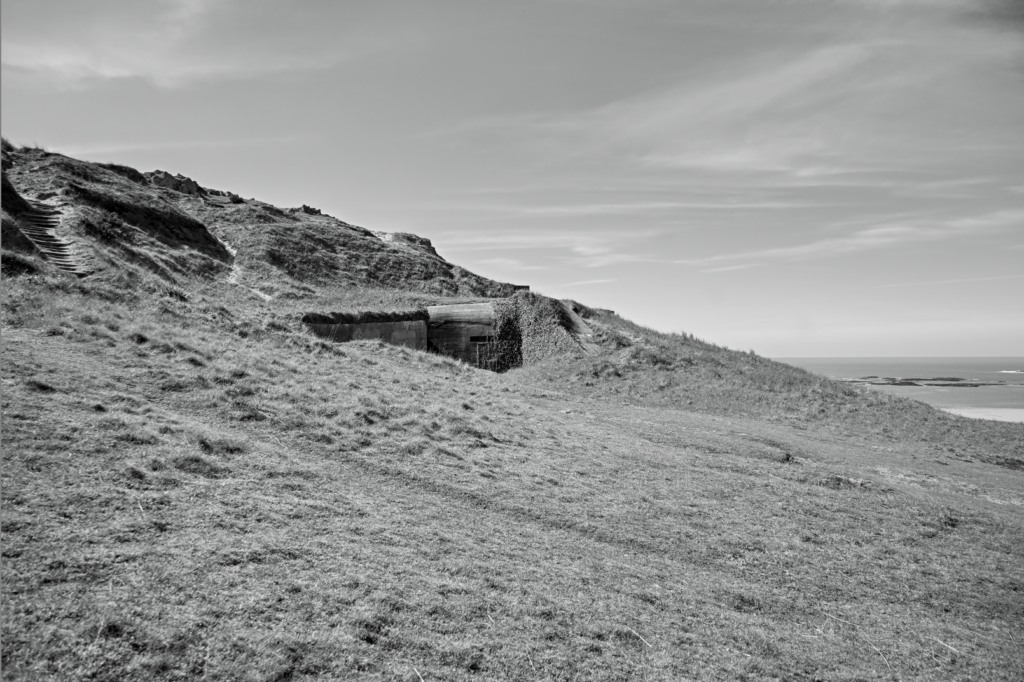
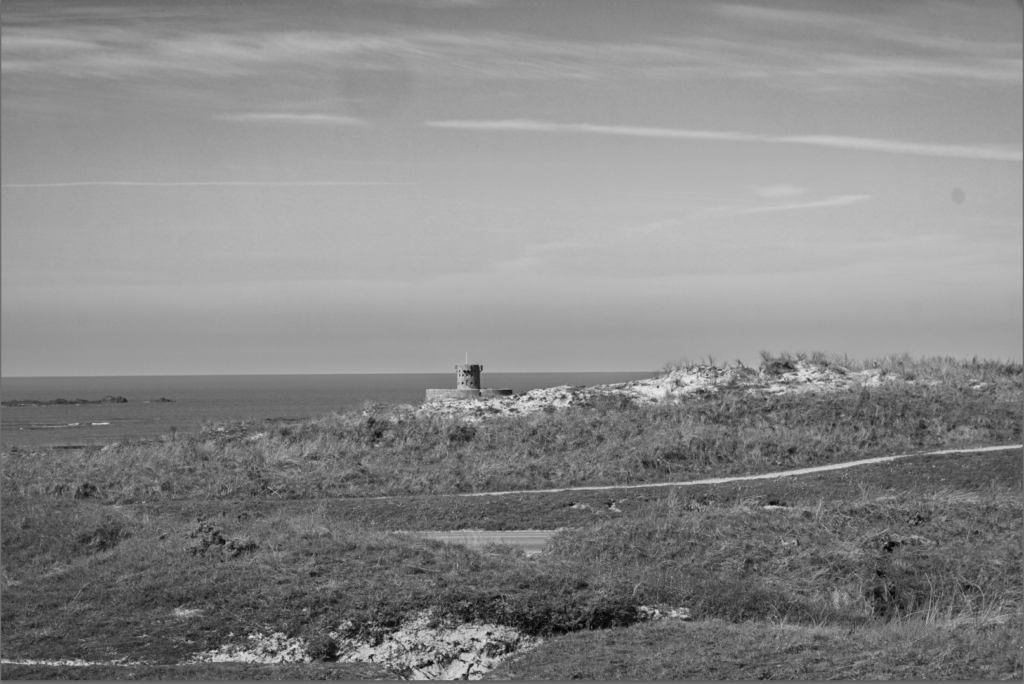
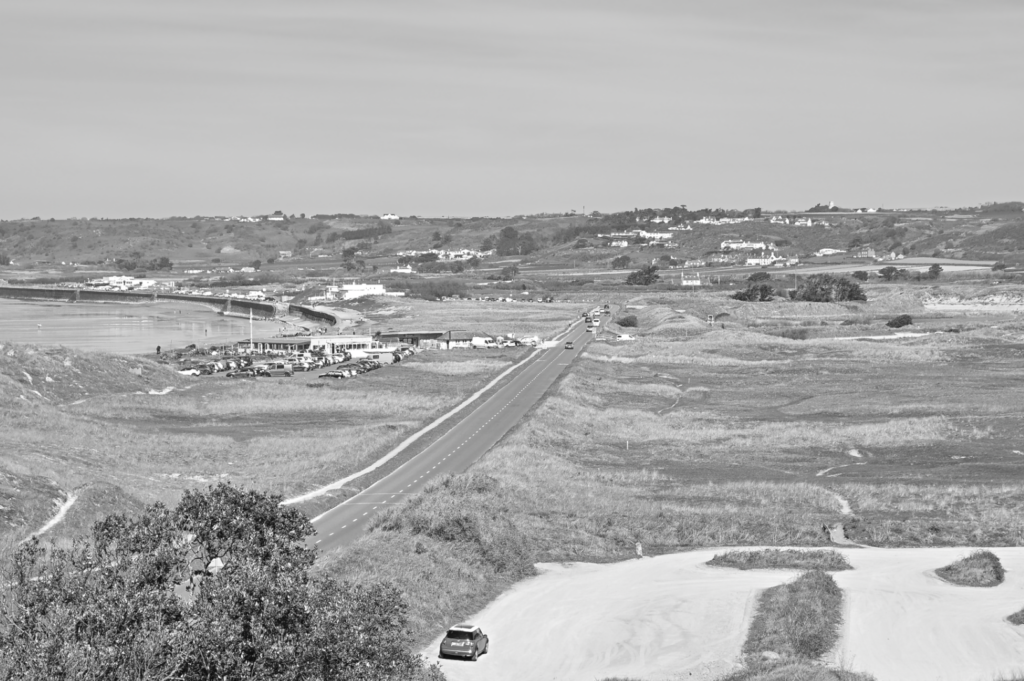
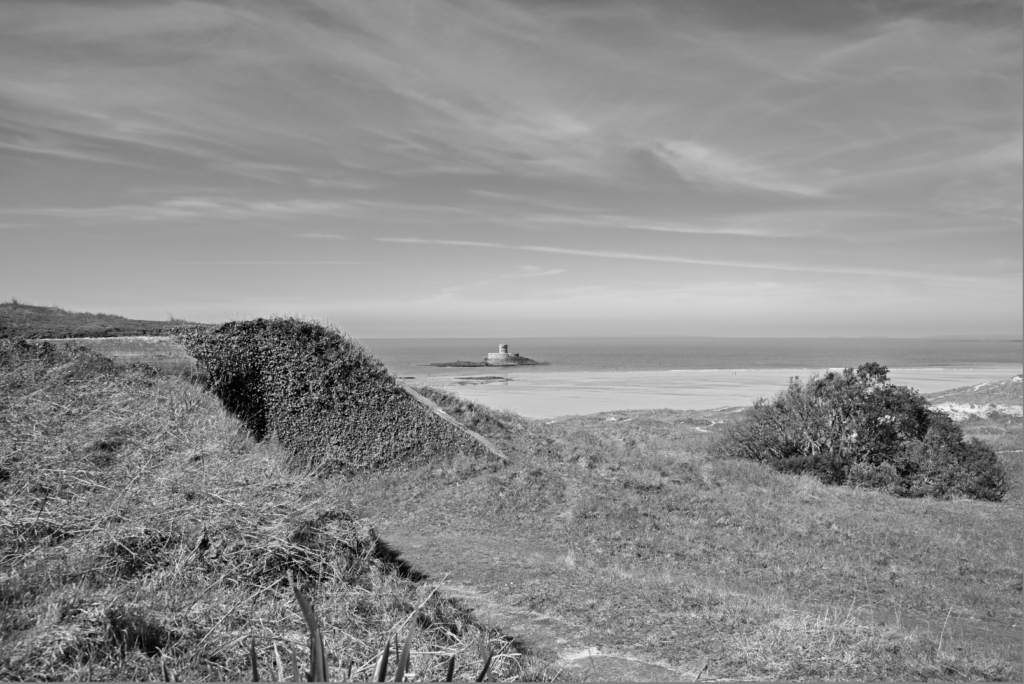
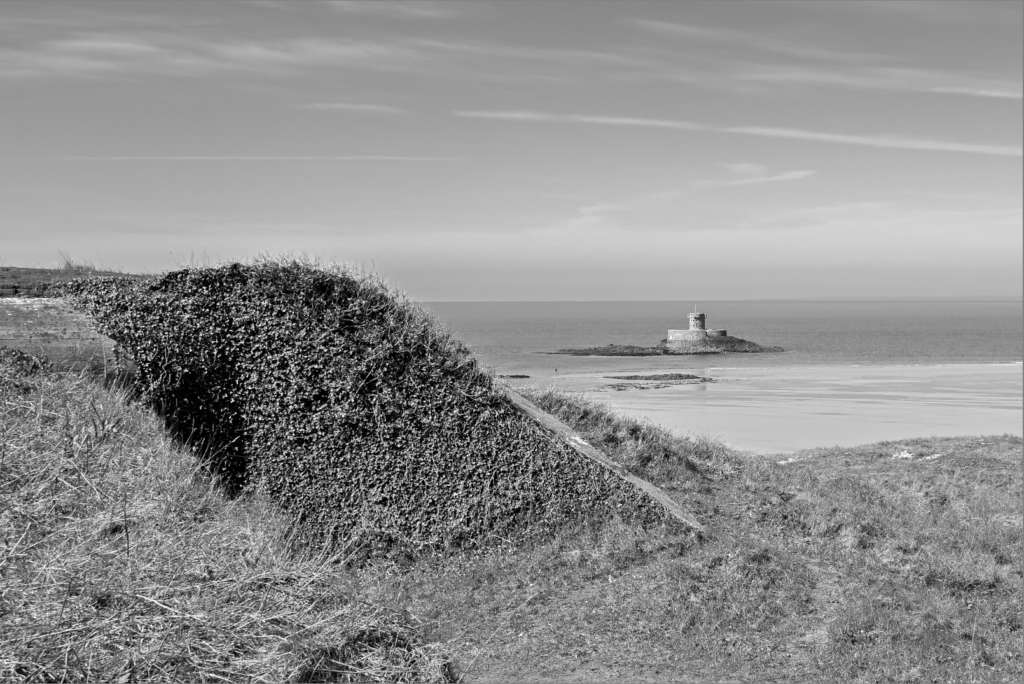
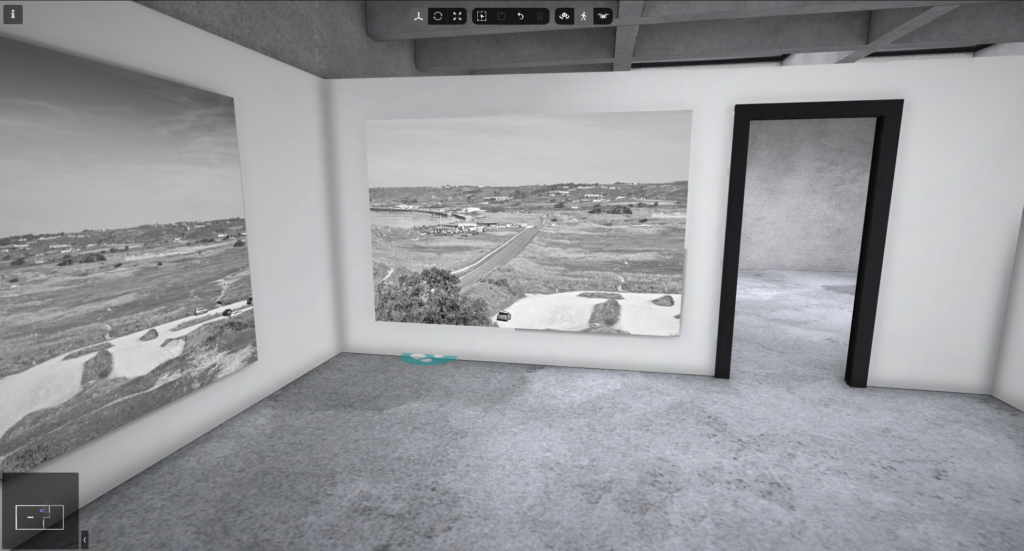
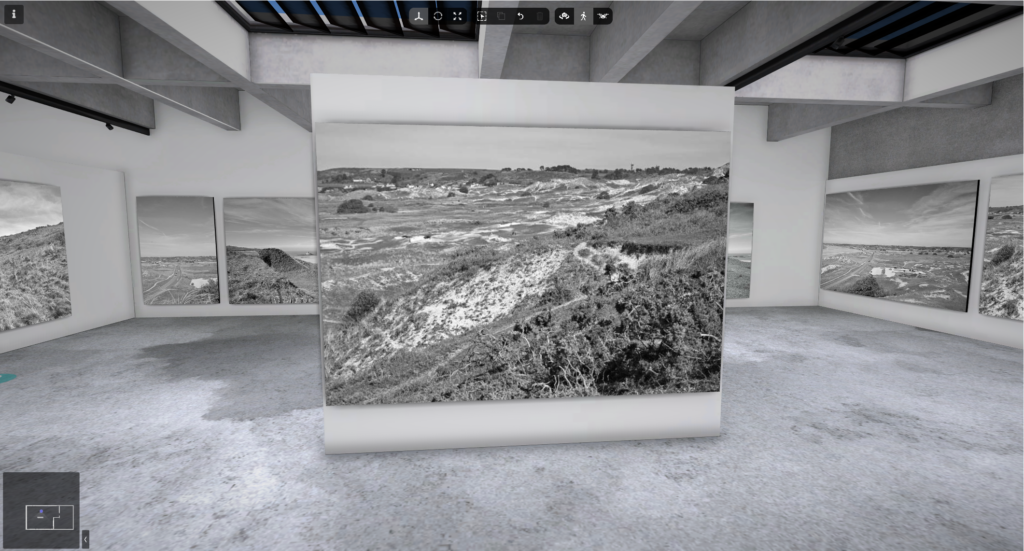
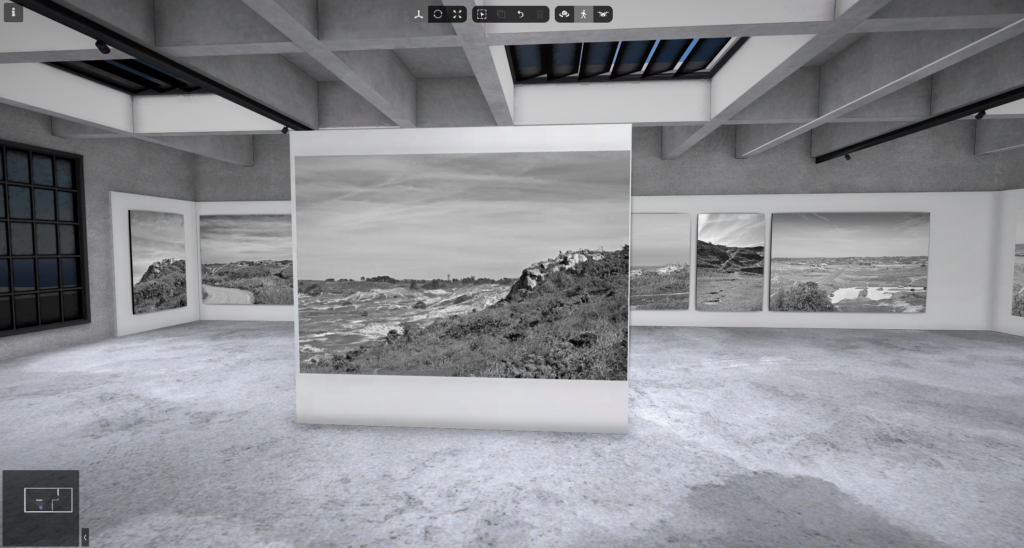
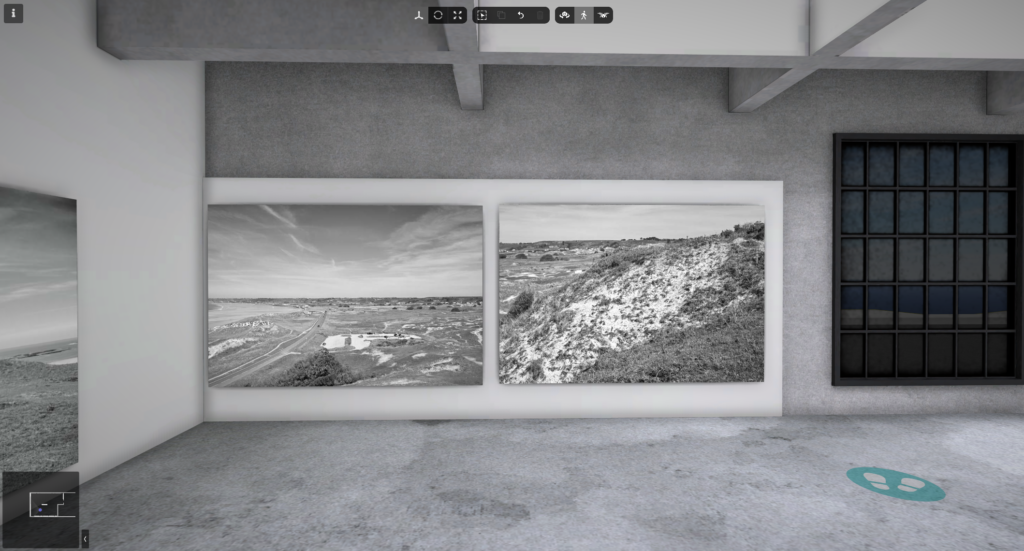
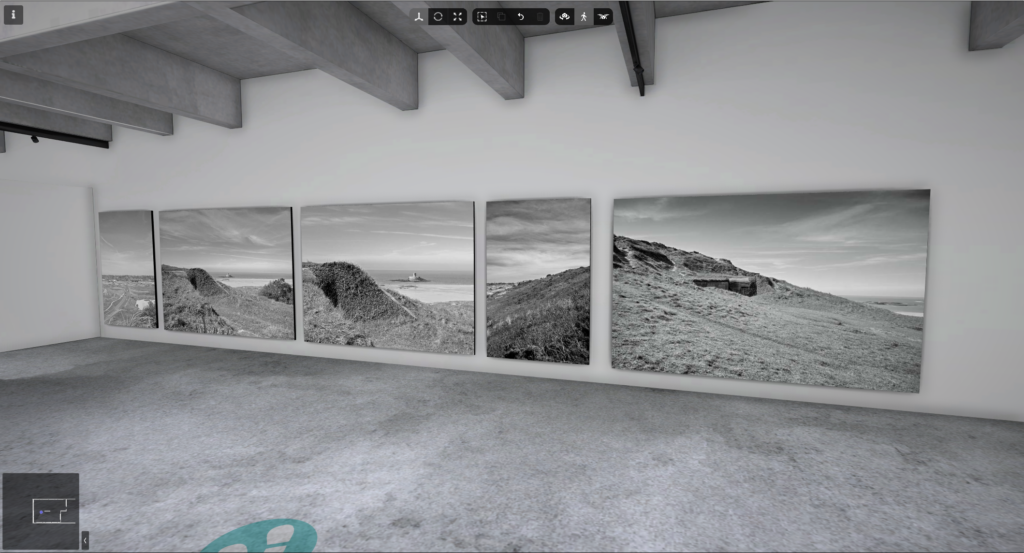
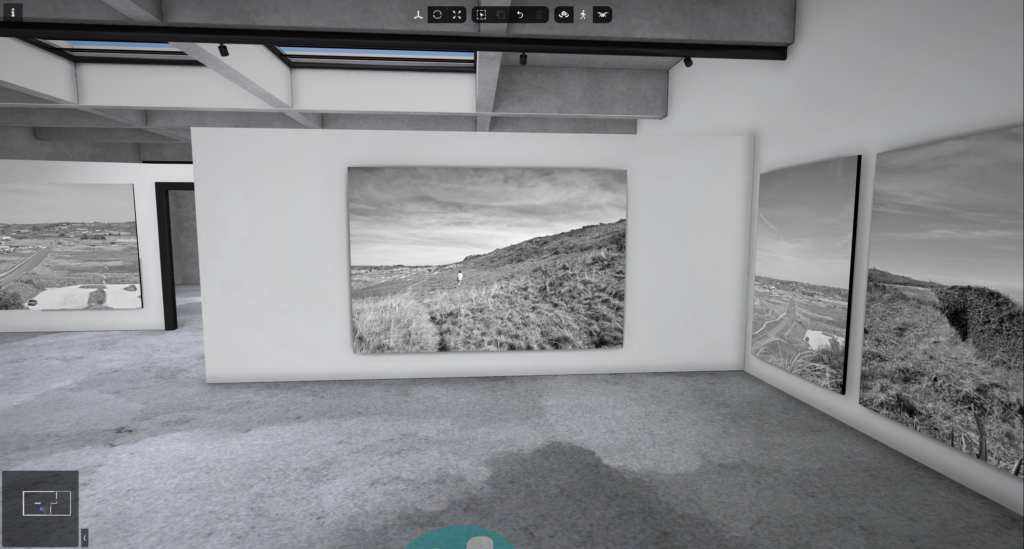
For this photoshoot, I plan to shoot in the style of Marli Miller at the sand dunes, I will do this during mid day for harsh shadows that will look good when turned into black and white. I will also experiment with different amounts of negative space in different photos.
Contact sheet
Selection process
Best RAW photos
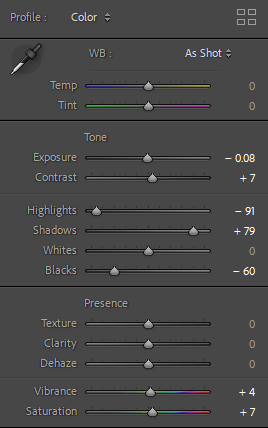
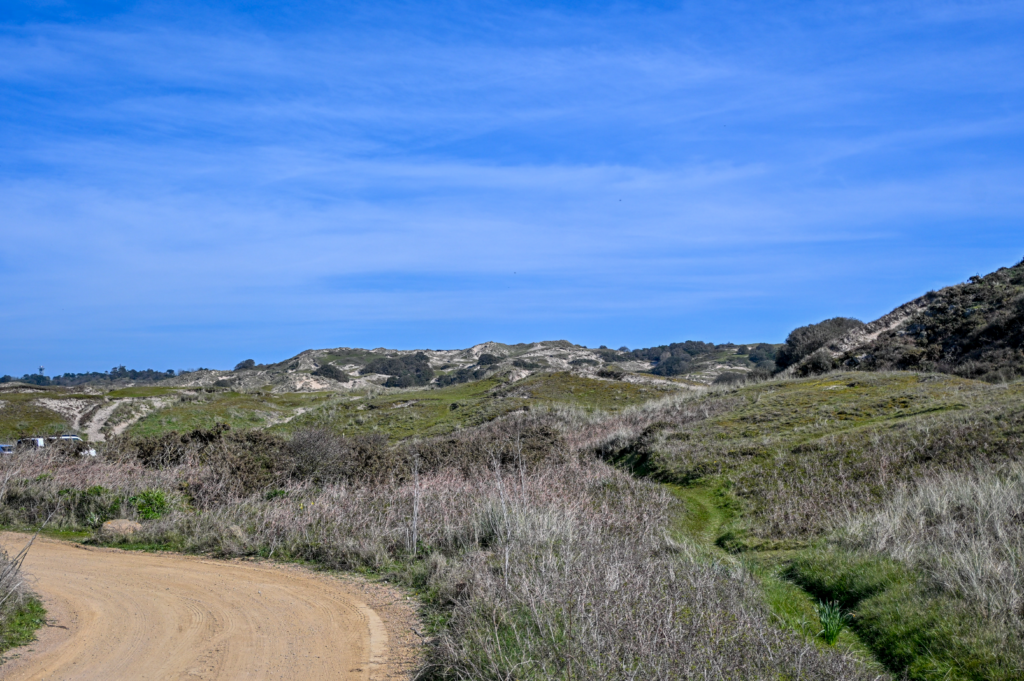
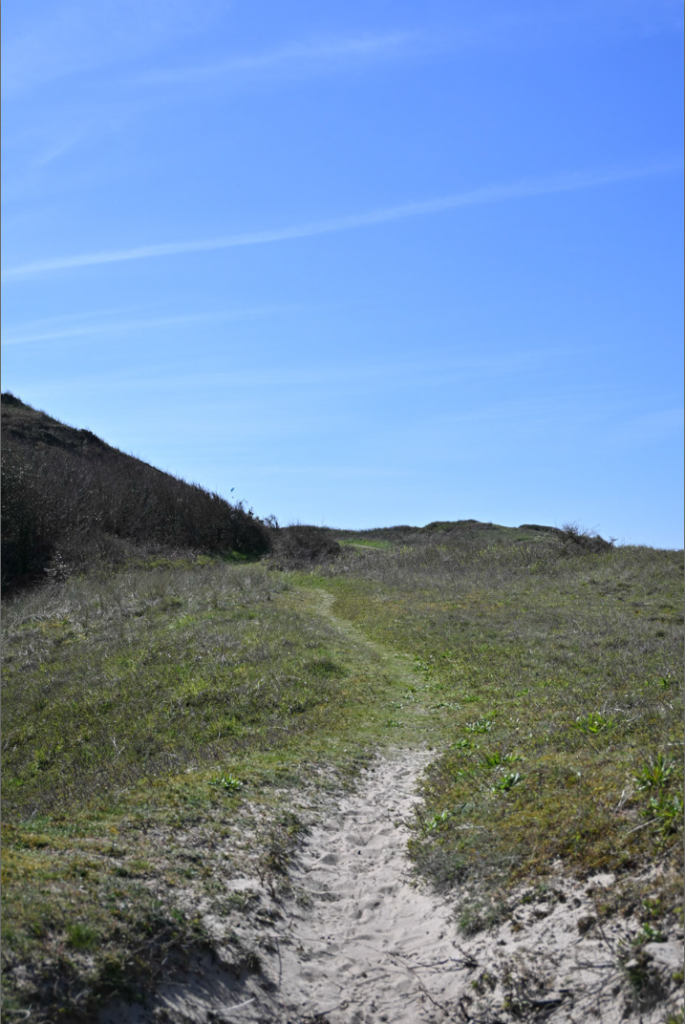
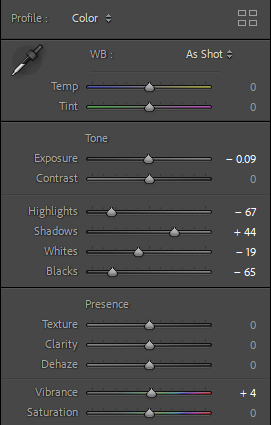
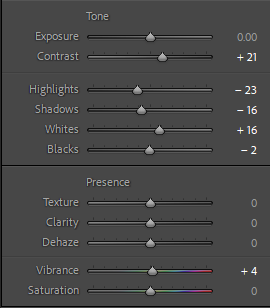
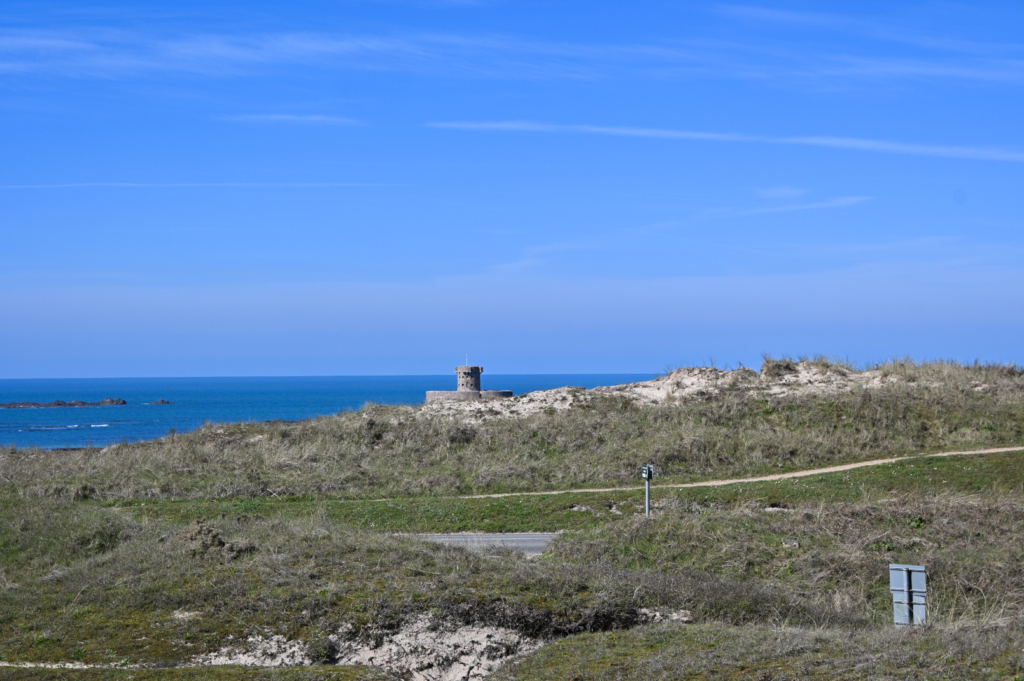
Basic editing
#1
#2
#3
I repeated a similar editing style for the rest of my chosen photos.
Best edited photos
Black and white
Further editing and masking
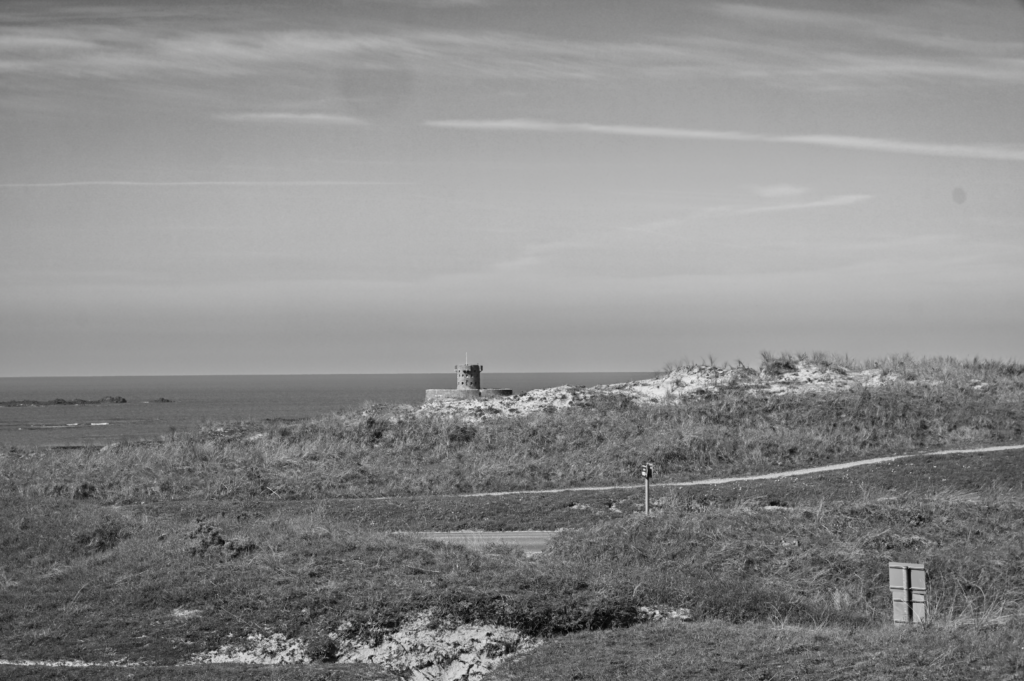
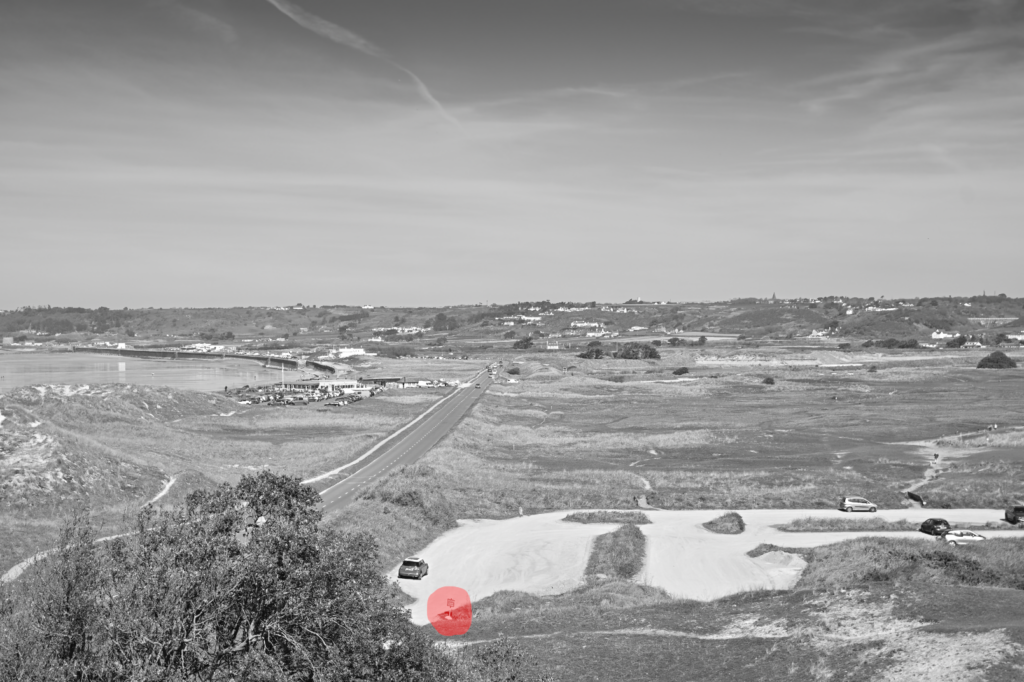
First, I added ‘Storm clouds’ to prevent the sky from looking flat.
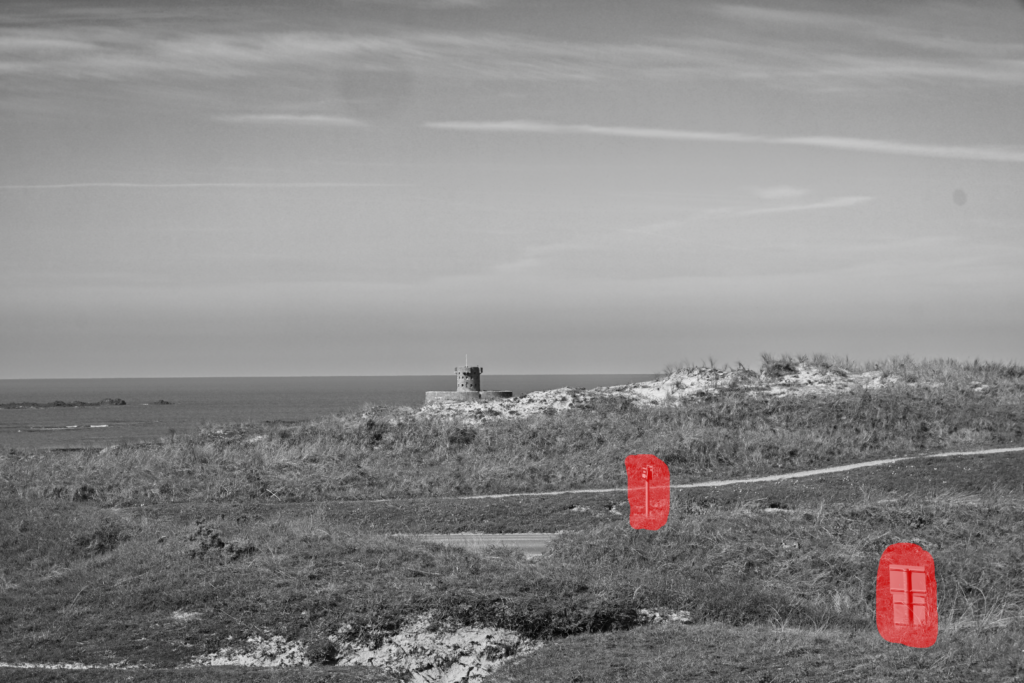
#1
Here I used AI to remove these signs
#2
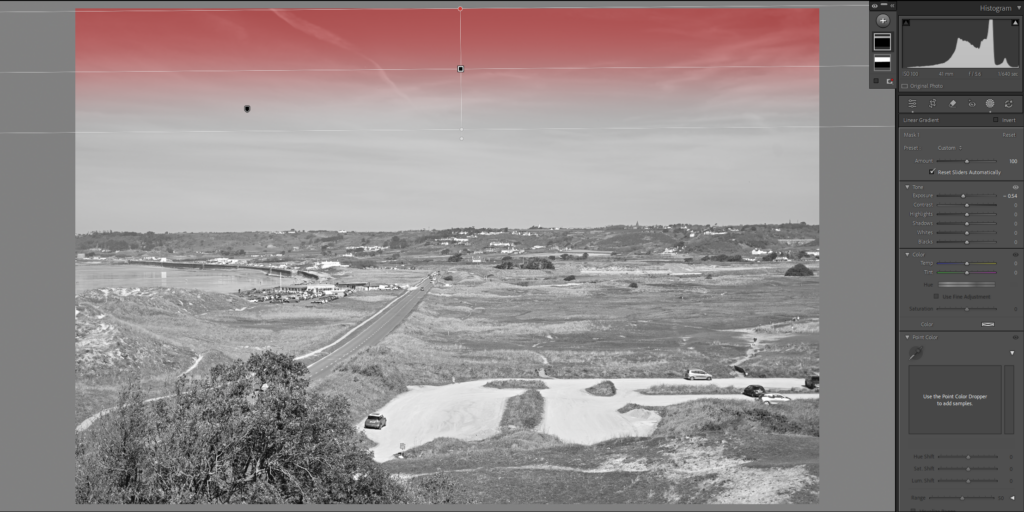
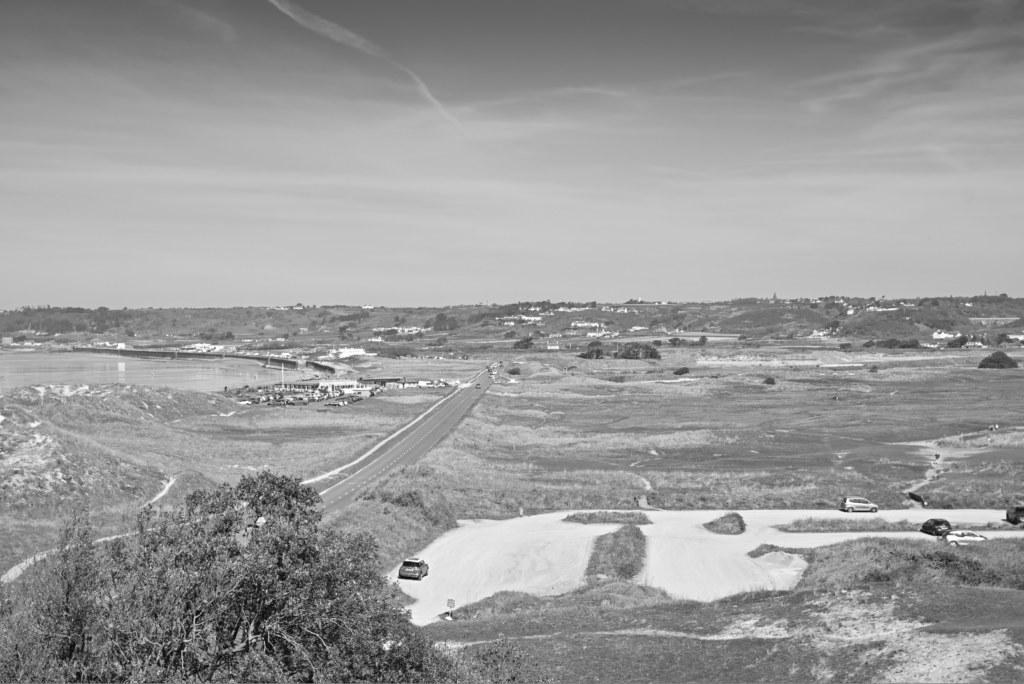
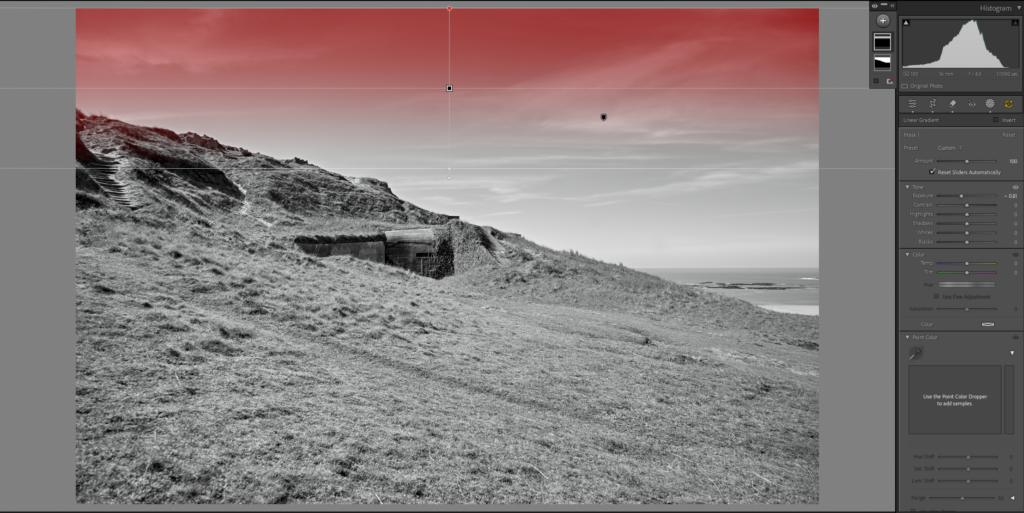
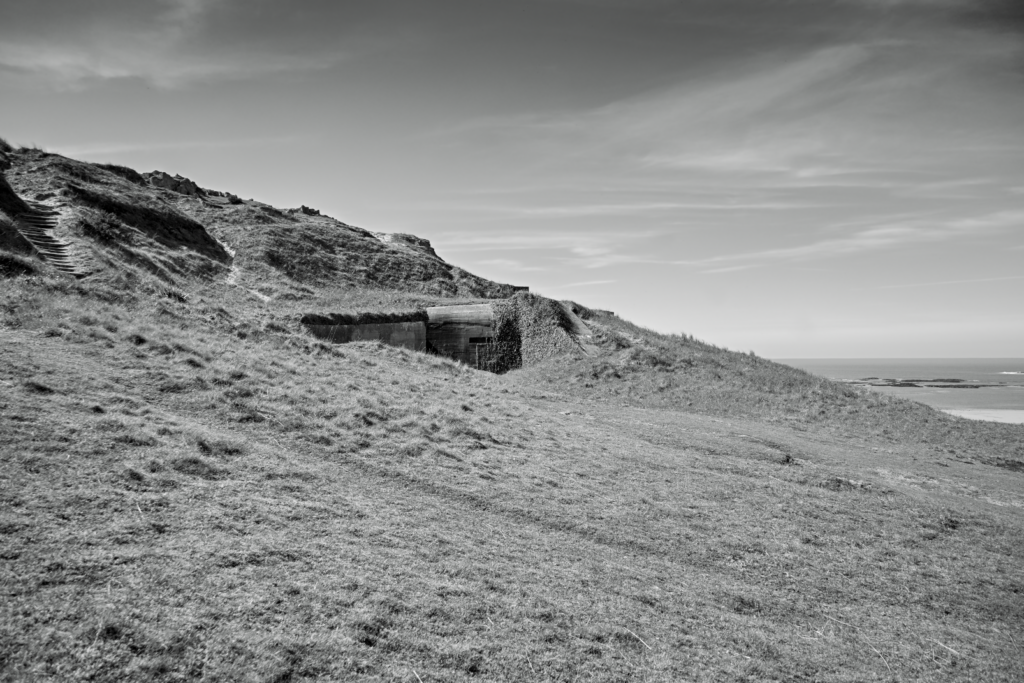
Here I used a linear gradient mask to deepen the sky to prevent it from looking too flat
Here I used AI to remove this sign
#3
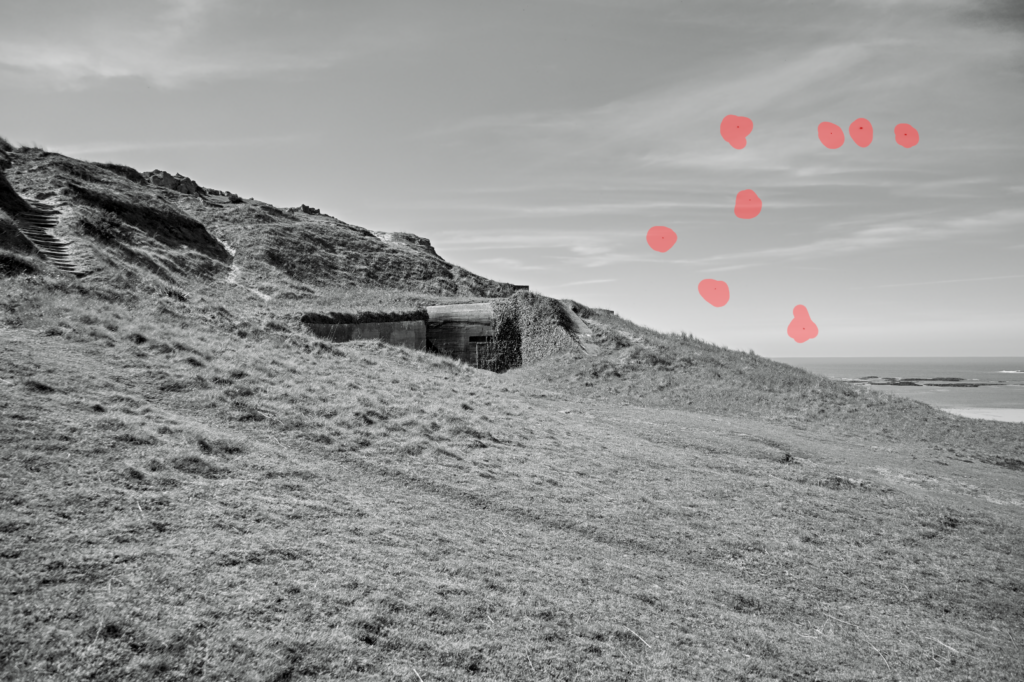
I used AI again to remove these spots
Here I used a linear gradient mask to deepen the sky
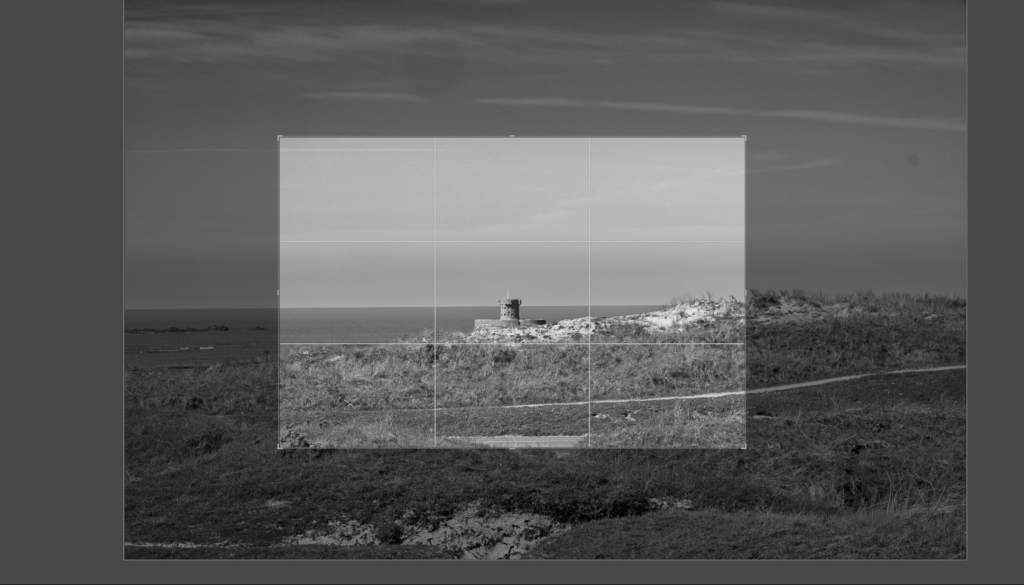
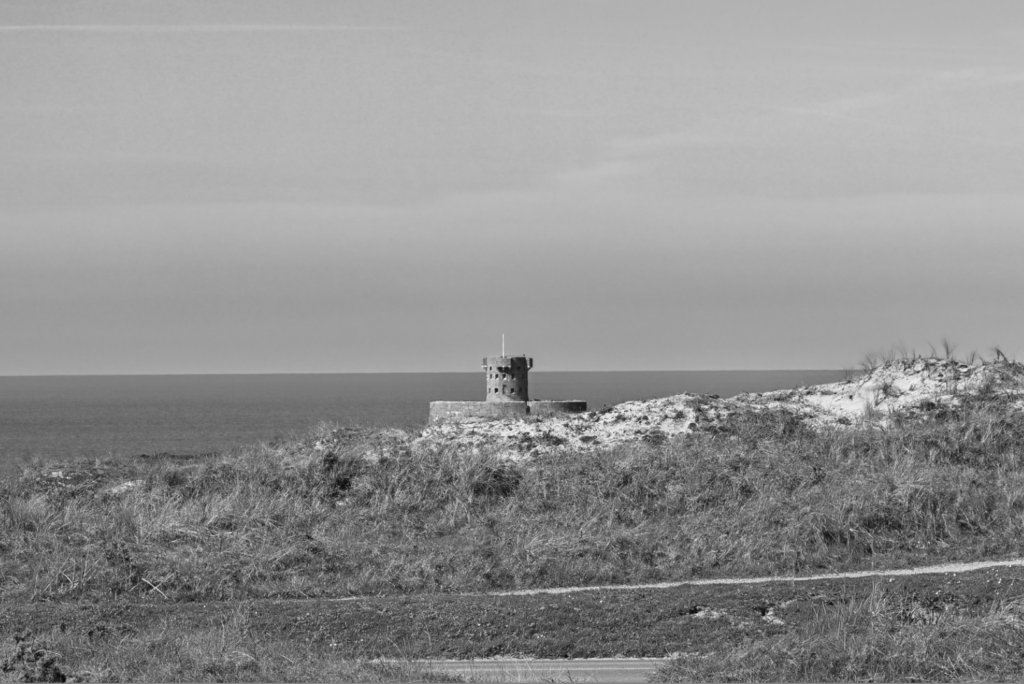
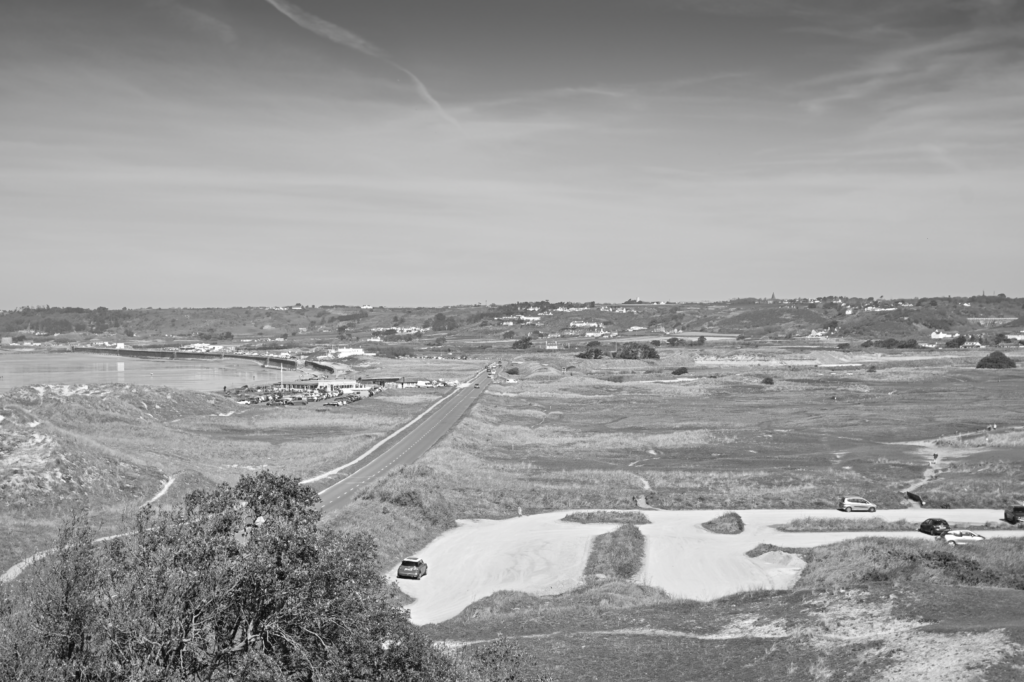
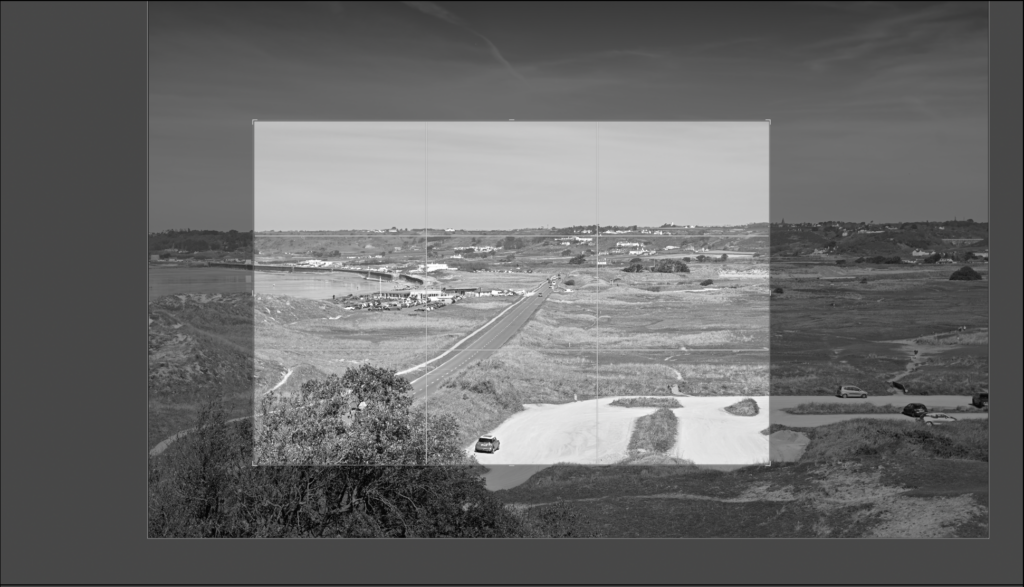
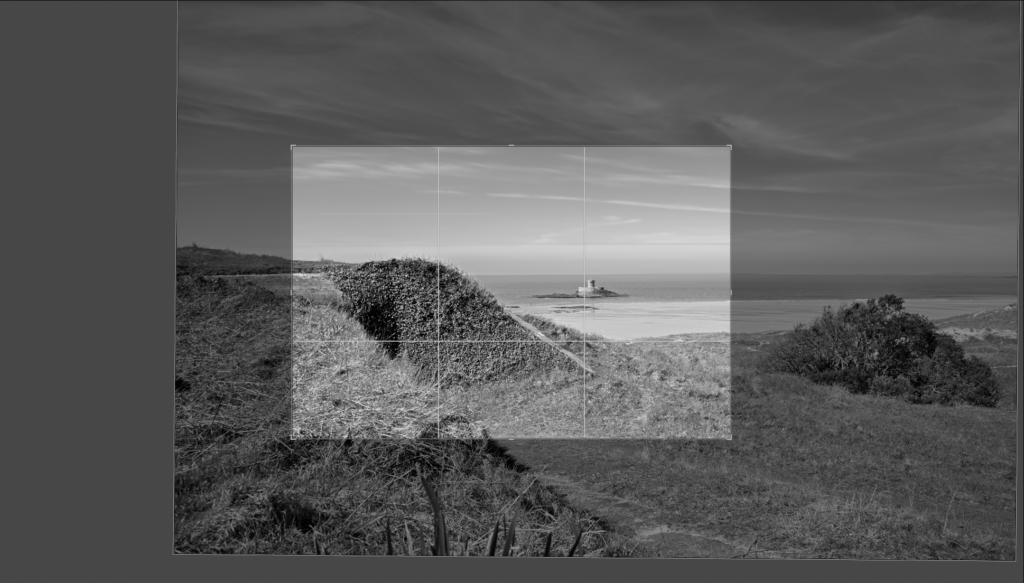
Cropping
#1
#2
#3
Pairing experiments
#1
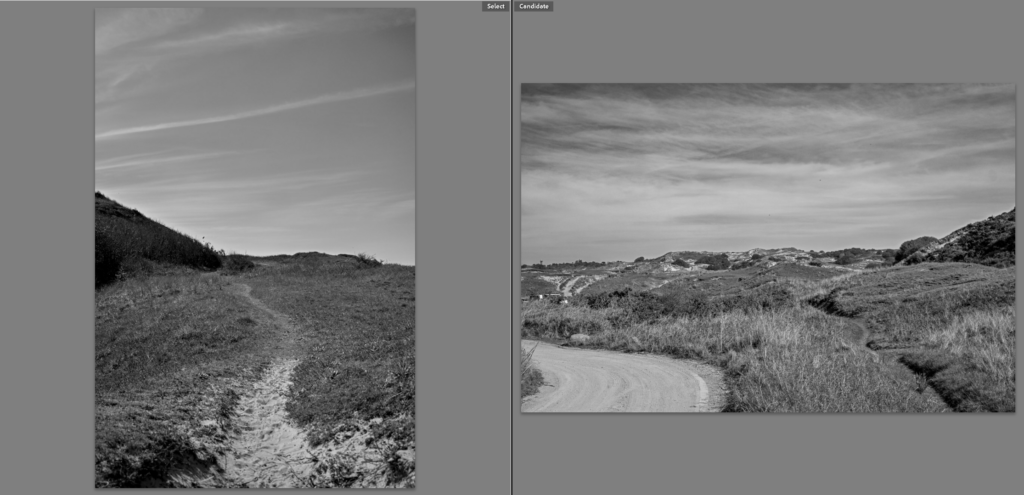
These two pair together really well because one is pointing in land at the island and the left one is pointing out to sea, showing two completely opposite angles.
#2
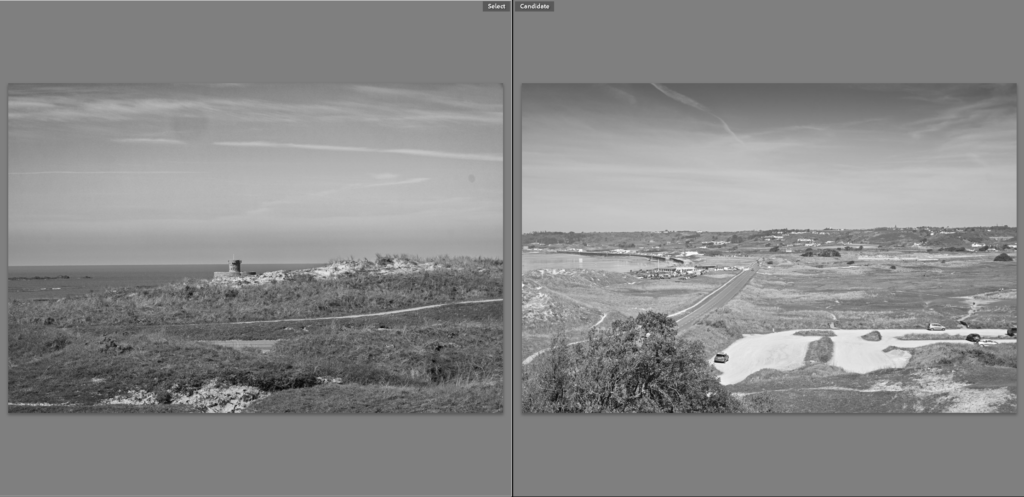
I really like these two next to each other, this is because the left one looks out at the sea view and the other one looks to the right down the coast, taken from a very similar spot
#3
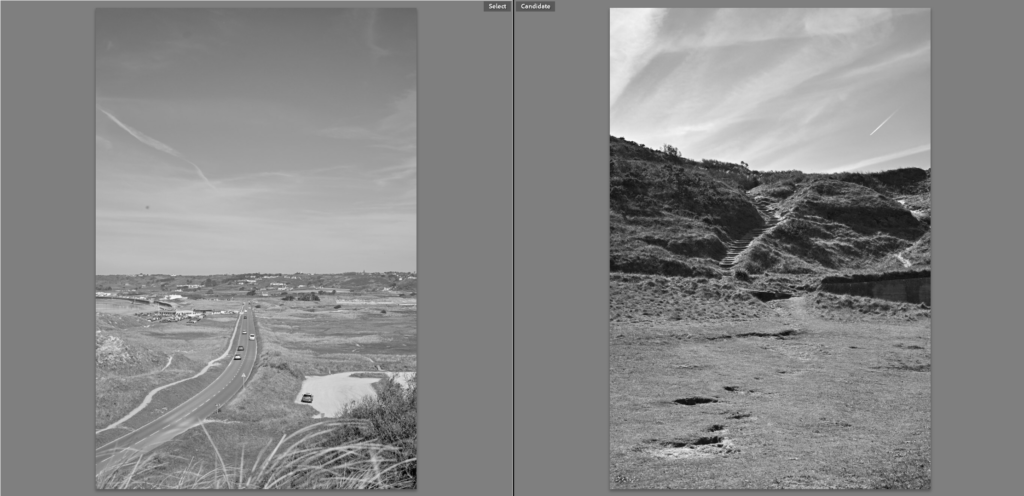
These two work really well together because they are both portraits and the left one uses the road as a leading line through the image and the right image uses the steps.
Comparison to Marli Miller
The image on the left shows was taken by me and the image on the right was taken my Marli Miller. Both of these photos show dry, sandy and rocky landscapes with little vegetation. In both of these images, rock formations on the side of a hill is the main focus. Both of these photos are taken from a fair distance and taken in landscape. These photos also both have many differences. First, my photo is in black and white where as her photo is colour. The right photo contains trees that appear dead; a barren landscape within the desert and the left photo shows the sand dunes that have small plants and greenery. Furthermore, my photo shows man made rock formation (the bunker) and her photo shows a natural rock formation.
Evaluation
To conclude, I am very pleased with how much images turned out, they have turned out just like I planned them to, the dramatic, dark sky and the moody black and white theme is exactly what I was going for. Furthermore the sand dunes will make a perfect fit to my book of the Jersey Sites of Special Interest.
FINAL IMAGES UPLOAD : TUE 21st APRIL All files must be added to M : Drive No new images will be accepted after this date
Examination dates: 15 hrs controlled test over 3 days Group 13B & Group 13E: Day 1: TUESDAY 28 April Day 2: THURSDAY 30 April Day 3: FRIDAY 1 May (please check your email from C. Farrow re : dates + clashes)
RULES: No use of mobile phones. No talking to each other or ask teachers for help.
You will have access to the blog to produce blog posts, BUT no access to the internet.
The blog will only be available for you to access during exam times each day between 09:00 – 15:20. In other words, you will not be able to make any changes/ improve work outside of exam times.
It essential therefore, that you have done must of the preparatory work – research/ artist case studies/ photo-shoots/ evidence of creativity, development and experimentation of images – before the exam period begins on DAY 1.
Work to be done 1. PRINTS: Final selection of images in print folder above (ready by end of Day 1: TUE 28 APRIL 2. PRESENTATION: Complete mounting all final prints 3. VIRTUAL GALLERY: Present final images using templates here: M:\Radio\Departments\Photography\Students\EXAM\Yr 13 EXAM 2026\Gallery Mock-ups 3. PHOTOBOOK: Complete design and evaluate Create online link to BLURB book browser – see below. 4. BLOG: Review and complete all supporting blogposts 5. FOLDER: Label all final outcomes and put in Exam folder 6. SIGN: Student authentication form
DEADLINE: LAST DAY OF YOUR EXAM FINAL PRINTS > PHOTOBOOK > BLOG POSTS
IN PREPARATION FOR YOUR EXAM MAKE SURE THE FOLLOWING IS READY BY THE END OF THIS WEEK (FRI 24 APRIL):
Complete and upload new images from photoshoots (DEADLINE TUE 21st APRIL) to M:drive and begin to edit in Lightroom – make sure to produce blog posts showing selection process and experimentation of images.
A draft layout of your photobook using BLURB templates in Lightroom – exam time is used to fine tune design with teacher’s approval
Review Checklist on blog for overview of work that must be completed – improve, complete and publish missing blogposts.
Structure your 3 day Exam as follows:
DAY 1: PRINTS: Complete editing photoshoots, select and prepare final prints. Make sure you have produced blogposts for each photoshoot with a clear progression of selection and editing.
BLOG: Produce blog post showing presentation ideas and create mock-up in Photoshop. Consider appropriate sizes and ways of presenting images as singles, diptych, triptych, multiple grids/ collages/ combinations in window mounts or foamboard etc.
You must save final images (see guidelines below) in print folder here by end of the day: M:\Radio\Departments\Photography\Students\Image Transfer\YR 13 PHOTOGRAPHY EXAM 2026
DAY 2: Photobook: Experiment with photobook design using BLURB in Lightroom – show variation of layouts and creativity.
Blog:Evidence of photobook process 1. Research and deconstruct photobook used as inspiration. Comment on different design element such as: feel of the book, paper, binding, format, size, cover, title, design, narrative (if appropriate), editing, sequencing, image and text.
2. Write a book specification and describe in detail what your book will be about in terms of narrative, concept and design with reference to the same elements of bookmaking as above.
3. Produce a blog post showing your layout and design process in Lightroom using a combination of print screens + annotation.
4. Final layout of every spread and write an evaluation.
5. Upload book design in Lightroom to Blurb and order your book via Blurb account. Once uploaded produce an hyperlink to book browser – see below for more details.
6. Once you have received book in the post bring into school.
Those who are not making a photobook can begin to mount up final prints and follow instruction below for Day 3.
DAY 3 PRESENTATION: Begin to mount your final prints as per your mock-up plans. Each final outcome must be labelled and velcro attached too. Make sure all your final images are presented in a folder with your name.
BLOG: Produce a virtual gallery and write a final evaluation of the exam module and your final outcome. Consider the following:
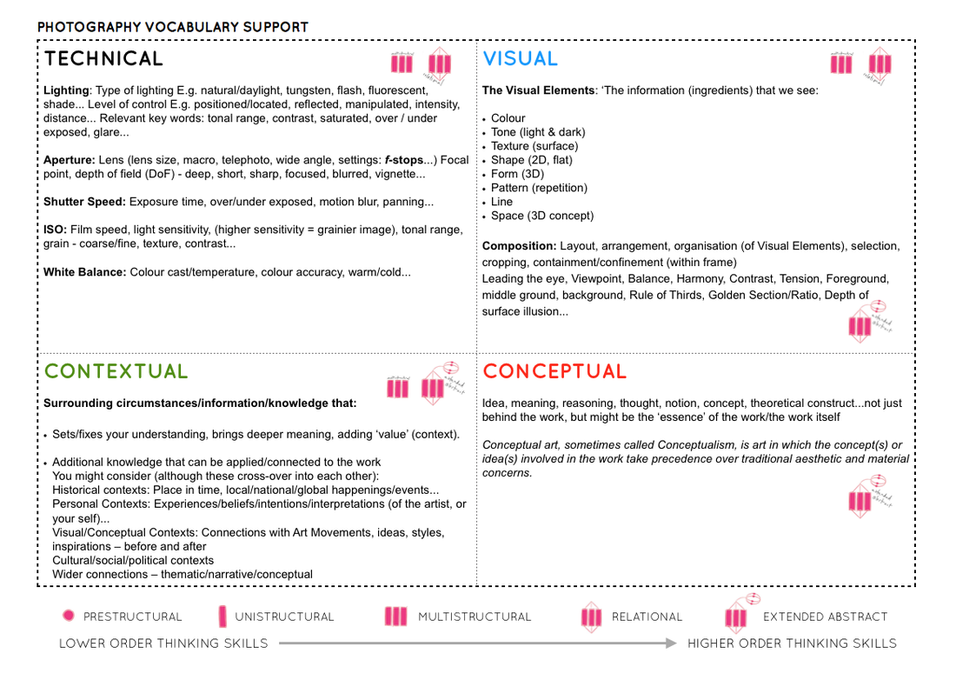
– How successful was your final outcomes? – Did you realise your intentions? – What references did you make to artists references – comment on technical, visual, contextual, conceptual? – Is there anything you would do differently/ change etc?
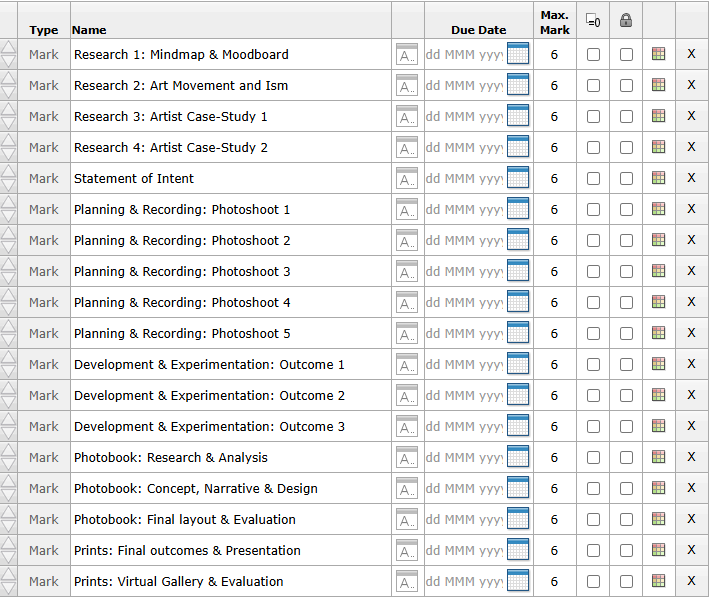
FINAL CHECK: Finish and publish any missing blog posts as per Checklist/ Go4School Tracking sheet and comments from teachers.
No students is allowed to leave until an authentication form is signed and teacher has signed off too.
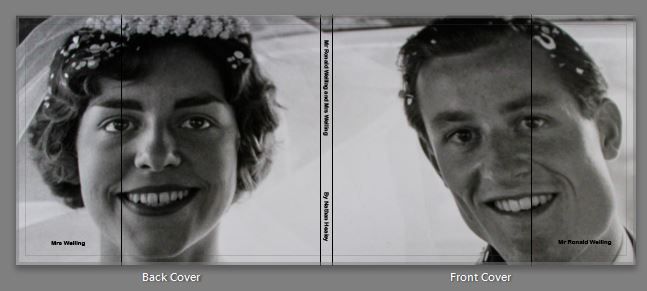
PHOTOBOOK Make sure you have a made a blog post that charts your design decisions, including prints screens of layout with annotation and write an ongoing evaluation. Final book design must be checked and signed off by teacher.
BLURB – ORDER BOOK Inside Lightroom upload book design to BLURB, log onto your account on their website, pay and order the book.
Consider spending a few extra pounds on choosing better paper, such as Premium Lustre or Premium Matte in check-out, change colour on end paper or choose different cloth/ linen if needed.
LINK TO ONLINE BLURB BOOK
Your final blog post should be an online link to you BLURB book with an evaluation. If you have already written an evaluation as part of another blog post on your book design then add the online link to that blog post and change the date to make sure it sits at the top.
Log into your blurb account and click on Sell my book
Click on Privacy & Sharing
Copy link circled in red above.
Make a new blog post: MY PHOTOBOOK and copy in link from Blurb into the title of your book using Link button above.
FINAL PRINTS Select your final prints (5-10) from various photoshoots or photobook and make a blog post showing ideas about how to present them.
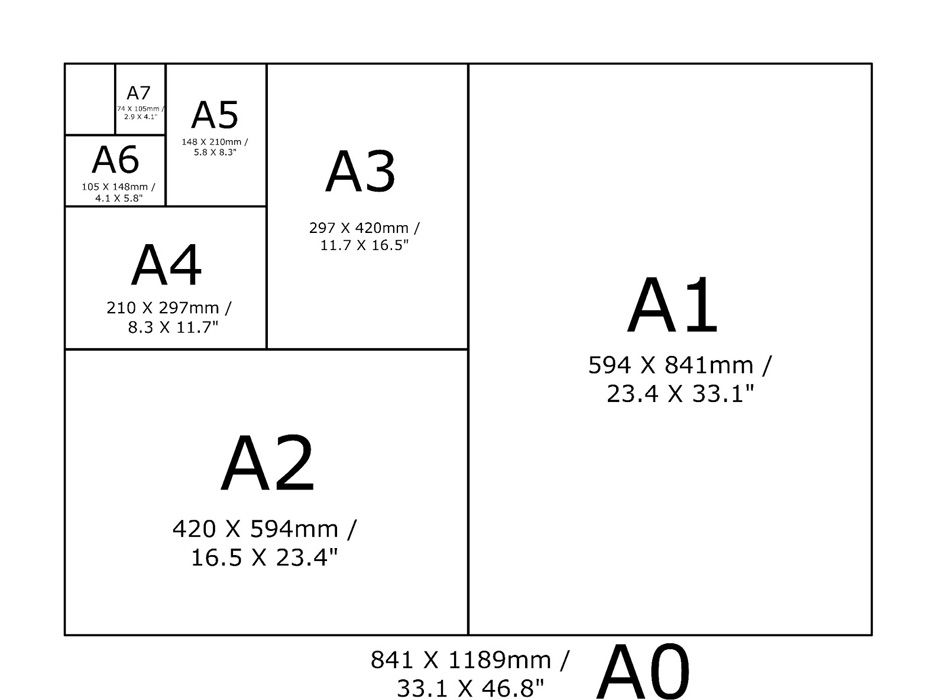
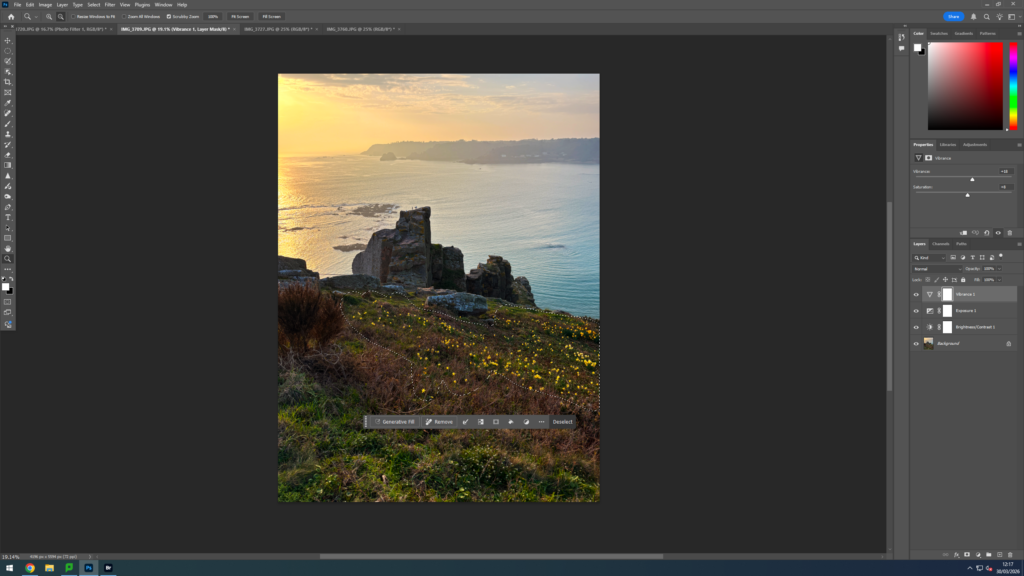
In photoshop produce a mock display (create new document size A1: 594 x 841mm) using different image sizes, for example: A3 x 2, A4 x 2, A5 x 3
PREPARE AND SAVE IMAGES FOR PRINTING:
Add your images to the print folder here…M:\Radio\Departments\Photography\Students\Image Transfer\YR 13 PHOTOGRAPHY EXAM 2026
Complete any unfinished work from last term if you have time, For example check your coursework portfolio and mount up any prints from previous projects.
File Handling and printing...
Remember when EXPORTING from Lightroom you must adjust the file size to 1000 pixels on the Short edge for “blog-friendly” images (JPEGS)
BUT…for editing and printing when EXPORTING from Lightroom you must adjust the file size to Short edge for “high resolution” images (JPEGS) like this…
A5 Short Edge = 14.8 cm
A4 Short Edge = 21.0 cm
A3 Short Edge =29.7 cm
This will ensure you have the correct ASPECT RATIO
Ensure you label and save your file in you M :Drive and then copy across to the PRINT FOLDER in IMAGE TRANSFER:
For a combination of images, or square format images you use the ADOBE PHOTOSHOP > NEW DOCUMENT + PRINT PRESETS on to help arrange images on the correct size page (A3, A4, A5)
You can do this using Photoshop, Set up the page sizes as templates and import images into each template, then you can see for themselves how well they fit… but remember to add an extra 6mm for bleed (3mm on each side of the page) to the original templates. i.e. A4 = 297mm x 210 but the template size for this would be 303mm x 216mm.
Making a Virtual Gallery in Photoshop
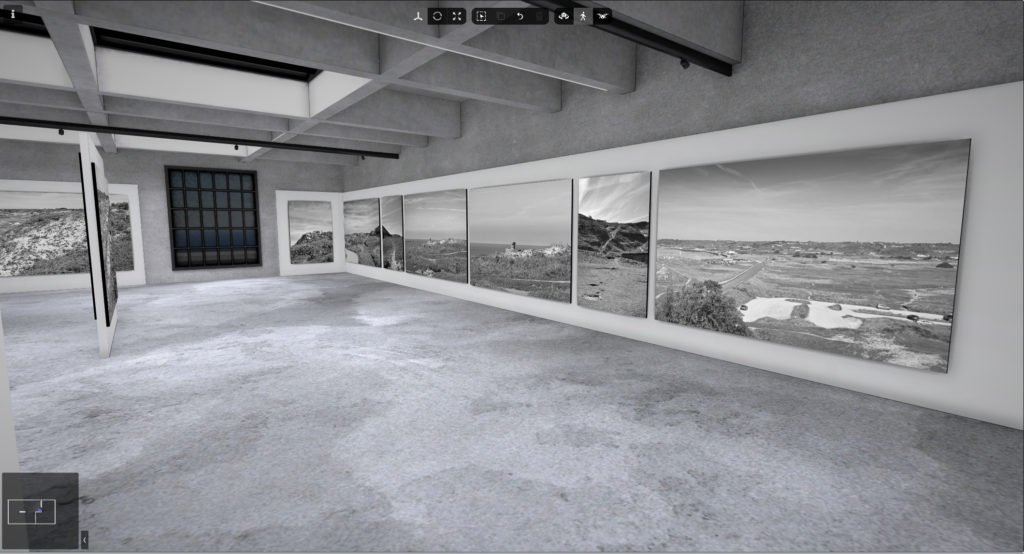
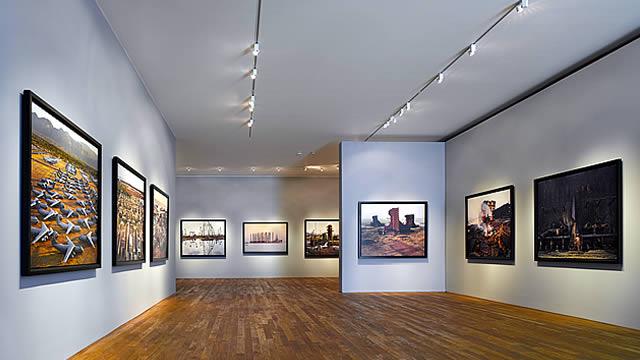
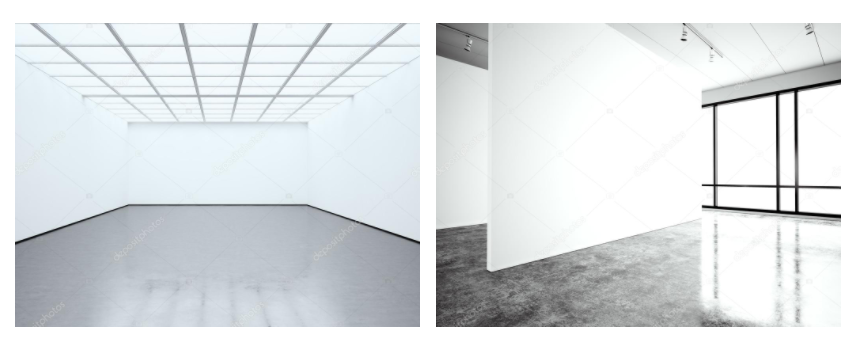
Download an empty gallery file…then insert your images and palce them on the walls. Adjust the perspective, size and shape using CTRL T (free transform) You can also add things like a drop shadow to make the image look more realistic…
Here is a selection of Gallery mock-ups that you can use to superimpose your own final images onto walls using Free transform tool in Photoshop.
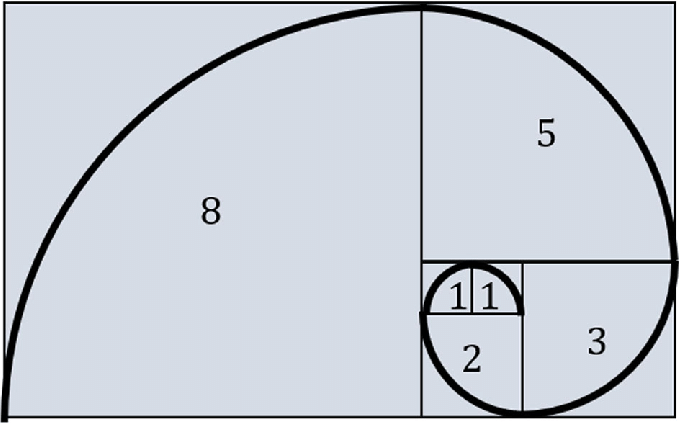
A photography project based on the Fibonacci Golden Spiral is a fantastic way to explore the intersection of nature, geometry, and art. The Golden Spiral is a logarithmic spiral that grows outward in proportion to the Golden Ratio, often seen in everything from shells to galaxies. Here are a few ideas you can explore:
Subject Focus: Capture natural forms where the Fibonacci sequence or Golden Spiral appears. Examples include:
Flowers and Seeds: Sunflowers, daisies, and pinecones are classic examples of the Fibonacci sequence in nature.
Shells and Spirals: Nautilus shells or snail shells with clear spiral structures.
Leaves and Plants: Photograph the spirals in the arrangement of leaves or the branching of trees.
Technique: Use the Golden Spiral as a compositional guide to frame your shots, placing the subject at the spiral’s center or along its curves.
2. Architectural Fibonacci
Subject Focus: Explore architecture and design. Many architectural structures are based on the Golden Ratio, whether in the layout, windows, or decorative elements.
Modern Buildings: Look for spirals in buildings or staircases, such as in the Guggenheim Museum in New York.
Classical Architecture: Use the Golden Spiral to focus on elements of classical structures that follow the Golden Ratio.
Technique: Focus on curves or spirals in architectural forms and align them with the Fibonacci spiral.
3. Human Body and Proportions
Subject Focus: The human body also follows the Fibonacci sequence in its proportions.
Portraiture: Consider photographing people in ways that use the body’s proportions (like focusing on the face, hands, or feet) and overlay the spiral to emphasize those ratios.
Gestures and Poses: Capture poses where limbs, the torso, and head align with the Golden Spiral.
Technique: Apply the Fibonacci spiral to position the person in the frame, emphasizing the symmetry of their body or movement.
4. Still Life with Fibonacci
Subject Focus: Arrange objects that have a natural spiral shape or other objects that can form a spiral pattern. For instance:
Spiral-shaped Objects: Seashells, spiral pasta, nautilus shells, or objects arranged in spiral patterns.
Fruit and Vegetables: You could use objects like apples (with their natural spiral core) or artichokes (which display a spiral pattern when viewed from above).
Technique: Use the spiral as a guide to compose the image, making sure it leads the viewer’s eye in a natural curve across the photo.
5. Macro Photography of Spirals
Subject Focus: Explore the tiny details of spiral forms in natural or man-made objects.
Insects: Close-ups of shells, spider webs, or snail shells.
Flowers: A closer look at the Fibonacci pattern of petals and seeds.
Technique: Use macro photography to get in close to the natural patterns of spirals and use the Golden Spiral to frame your shots.
6. Abstract Fibonacci
Subject Focus: Experiment with abstract forms and compositions that embody the Fibonacci spiral but don’t directly depict natural objects. For example:
Light Trails: Experiment with long exposure photography and light trails to create a spiral effect that mimics the Fibonacci spiral.
Geometric Art: Create geometric or minimalist abstract compositions that follow the Golden Ratio and Fibonacci sequence in their proportions.
Technique: Use light painting, long exposure, or digital editing to create spirals and geometric patterns.
7. Time-Lapse Fibonacci
Subject Focus: Use time-lapse photography to capture the growth or change in objects that follow the Fibonacci pattern.
Plants: Document the growth of plants like sunflowers, which exhibit Fibonacci spirals as they grow.
Sky or Clouds: Experiment with cloud patterns, the movement of the stars, or the sky, and try to capture spirals through time-lapse.
Technique: Overlay the Fibonacci spiral during post-processing to highlight the natural growth or movement aligned with the spiral’s proportions.
8. Fibonacci in Motion
Subject Focus: Capture movement that follows the pattern of a spiral or explores the natural progression of the Golden Spiral.
Water and Waves: Look for waves that curve and spiral, or create a photo of a splash where droplets follow a spiral pattern.
Dance or Movement: Photograph dancers or people in motion, capturing their flow in spirals or curved paths.
Technique: Long exposure to create the illusion of movement following the Fibonacci path.
9. Urban Fibonacci
Subject Focus: Find Fibonacci-like patterns in urban or everyday settings.
Spirals in Traffic: Capture patterns formed by roads or vehicles creating spirals, such as in roundabouts or intersections.
Staircases: Circular or spiral staircases in buildings are classic urban representations of the Fibonacci spiral.
Technique: Position your camera at angles that create spirals, or use the spiral to direct the composition.
10. Post-Processing and the Golden Spiral
Subject Focus: Capture everyday scenes, then manipulate them in post-processing to align with the Fibonacci spiral.
Digital Art: Create an image where elements naturally fit the Golden Spiral after editing. For example, placing objects along the spiral’s lines.
Creative Editing: You can use software like Photoshop to overlay the Fibonacci spiral on existing photos, highlighting how the scene can be restructured or interpreted through this geometry.
Technique: Use digital editing tools to layer the spiral grid and adjust the composition accordingly.
Tips for Success:
Golden Ratio Grid: Most modern cameras have an option to overlay a grid on the viewfinder or screen. This can help you position subjects to align with the Fibonacci spiral as you shoot.
Natural Light: Use natural light for some of your nature-based shots. The soft lighting can help highlight the details of spirals, especially in plant or shell photography.
Use of Color: Pay attention to how colors can influence the flow of your Fibonacci spiral, whether it’s complementary colors, gradients, or light-to-dark transitions.
To create a more personalized artistic take on the Fibonacci spiral, you can blend traditional mathematical principles with your own creative choices. Here are some ways to make the Fibonacci spiral uniquely yours:
1. Customize the Color Scheme
Use a specific palette: Choose colors that speak to you, like pastel shades, bold primaries, or earthy tones. You could even use gradients or color transitions.
Mood-driven color choices: Use warm tones for a vibrant, energetic feel or cool tones for a calming effect. You could even create different color gradients for each segment or quadrant of the spiral.
3. Introduce Organic Elements
Nature-inspired additions: Add elements like leaves, flowers, shells, or other organic shapes that align with the Fibonacci sequence in nature. For example, you could have a spiral of leaves growing along the curve or flower petals in each segment.
Watercolor/Ink Effect: If you are painting or digitally creating the spiral, you could incorporate watercolor textures or ink blot effects for an organic, flowing feel.
6. Play with Scale and Perspective
Make the spiral grow out from a single focal point, and manipulate perspective to make the spiral appear 3D or to add depth. You could have some parts of the spiral seem closer to you, while others fade away.
Alternatively, play with scale by varying the size of each section in the spiral. Some sections might expand dramatically, while others shrink to create a sense of movement.
7. Add Motion or Animation (for Digital Art)
If you’re working digitally, you can make the Fibonacci spiral dynamic by adding subtle animations. The spiral could gradually unfold over time, or elements within it could shift, bloom, or rotate as it grows.
Create a sense of movement by adding flowing lines that move outward or inward, creating a hypnotic effect.
8. Incorporate Light & Shadow
Use light and shadow effects to give the spiral a 3D look or create a more dramatic, atmospheric piece. Highlight certain sections with soft glows or shadow the outer portions for depth.
You could have light radiating from the center of the spiral, gradually fading as the spiral expands outward.
By mixing these ideas, you’ll be able to create a Fibonacci spiral that’s not only mathematically fascinating but also visually and emotionally expressive. You can take the strictness of the Fibonacci sequence and make it your own through creativity.
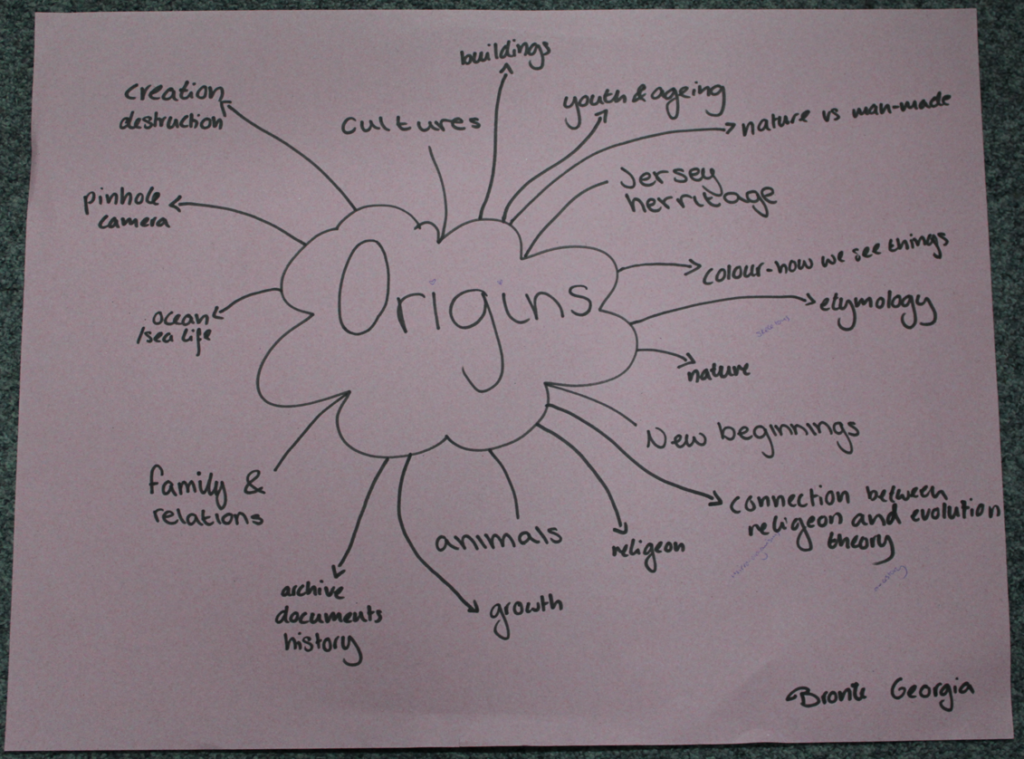
Other Origin Ideas
1. Roots and Beginnings
Concept: Explore the origins of family heritage or ancestry. Capture portraits of people in their family homes, heirlooms, or places that are significant to their lineage. You could also photograph the “roots” of a culture, like traditional clothing, food, or rituals.
Execution: Combine modern portraits with objects or spaces that represent the past, such as old photos, artifacts, or symbols.
2. Birth of a Landscape
Concept: Document natural landscapes that have an origin story, like volcanic regions, river deltas, or glacial formations. Look for ways to visually tell the story of how a landscape evolved.
Execution: Photograph at different times of day or seasons to capture the changing face of the land, or use long exposures to symbolize the passage of time.
3. Human Origins
Concept: Create a visual representation of human evolution. This could be done through a series of portraits of people from different cultures or walks of life, juxtaposed with symbolic objects representing their origins (e.g., maps, tools, fossils).
Execution: Show the diversity of human experience while hinting at the common origins we share.
4. The Origin of Objects
Concept: Explore the history and origins of everyday objects or items that have personal or historical significance. This could include things like old tools, books, or machinery.
Execution: Create close-up shots of these objects in their natural setting, paired with historical context or stories about how they came to be.
5. Life Cycles
Concept: Focus on the cycle of life—birth, growth, decay, and rebirth. You could photograph the growth stages of a plant, animal, or even a building being constructed or deconstructed.
Execution: Tell a story in a series of images, capturing different “origins” of life or objects as they evolve over time.
7. Cultural Origins
Concept: Dive into the traditional practices, rituals, or stories that give birth to cultural identities. You could photograph celebrations, ceremonies, or local artisans at work, showing the origins of cultural practices.
Execution: Portraiture combined with environmental storytelling, using the surrounding elements to express cultural significance.
8. Urban Origins
Concept: Document the origins of a city or neighborhood. This could include the historical foundation of a place, early architecture, and the evolving culture over time.
Execution: Shoot both the modern-day city and archival images (if possible) to highlight the contrast between the past and present.
9. Fossils of the Future
Concept: Imagine the origins of the future by photographing remnants or objects that might be considered “fossils” or artifacts of today. You could photograph common items like cell phones, shoes, or even food packaging and present them in a way that feels archaeological.
Execution: Present objects in stark, minimalistic ways, possibly using dark or moody lighting to give them a timeless, ancient quality.
Artist Research
Photograph old buildings and structures around jersey
look at jerseys history – WW2, jersey heritage sites (hogue bie), old stories, museums, castles, St Catherine’s woods, costal paths, standing stones (textures, patterns, sand dunes)
possible add ons – portraiture, colours, texture, nature, dream like long exposure of people walking to reimagine the time passed and lives lived
Francesca Woodman
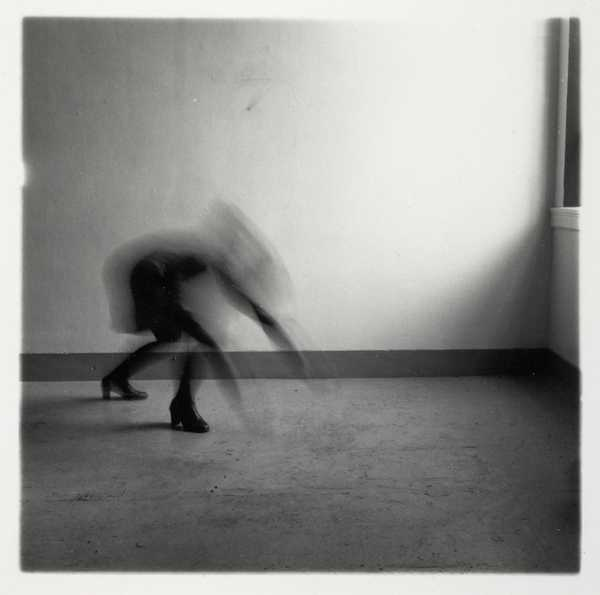
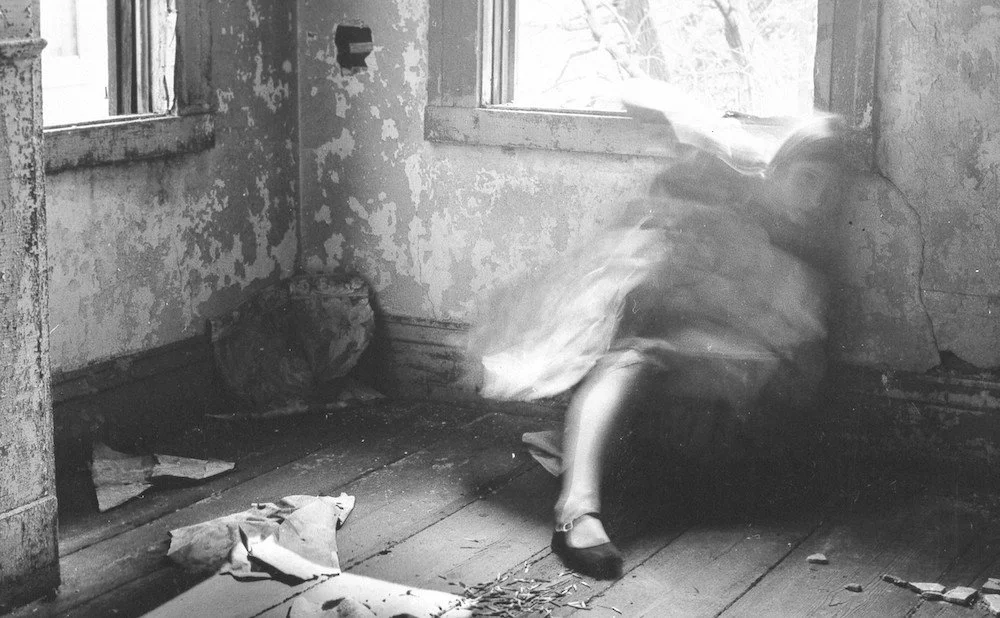
Woodman was an American artist born April 3, 1958 in Denver, Colorado. She grew up surrounded by art her protestant father, George who was a painter and her protestant mother a sculptor. Her brother Charles Woodman grew up to be an electronic artist. Her family encouraged her to begin taking photos at age 13. In 1975 Woodman began studying at Rhode Island School of Design which offered her a honors program in Rome in 1977 before she graduated in 1978. In 1979 she moved to New York to begin her career in photography sending her work to multiple fashion photographers but after many rejections and the end of her long-term relationship she became depressed and attempted suicide in 1980. She was sent to live with her parents in Manhattan during her recovery. Woodman attended therapy and her mental health seemed to improve causing her family and friends to lower their guard leading to her to commit suicide in January 1981 at age 22.
Later she became well known for her black and white images, of which many were self portraits where she captures movement through utilising shutter speed to make the images appear ghostly by obscuring the face and parts of the body. Her use of black and white or sepia filters gives the images a timely feel as though they were taken long before they were. I chose this artist as I felt her use of movement fitted the theme of Origins as she captured passing time.
This could be implemented into my work as I’m hoping to explore Origins through the history of Jersey society by going to Jersey landmarks and Jersey Heritage sites to where I will focus my camera on the structure using a long exposure to capture people and movement around it representing the passing of time whilst the structure remains still and unchanged demonstrating how it has stood the test of time through history and shaped the changing cultures of Jersey being apart of every Jersey families ancestry.
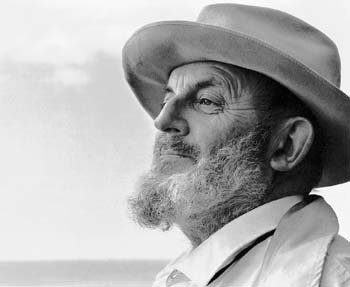
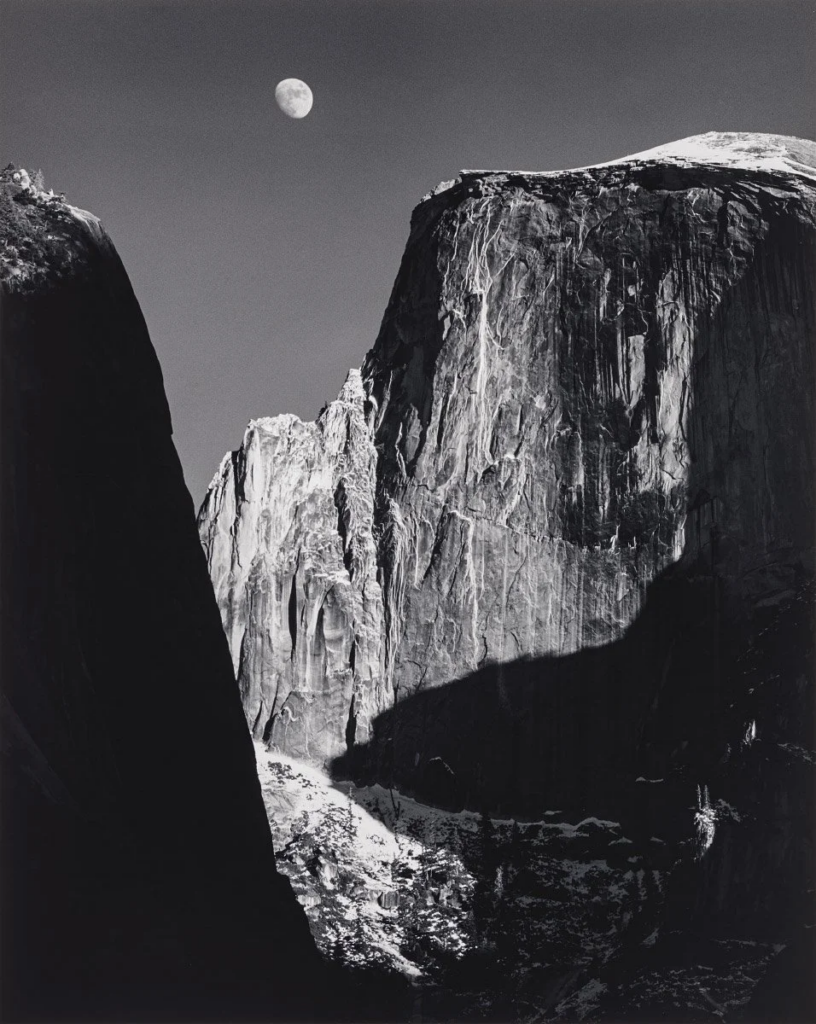
Ansel Adams born in 1902 was an American landscape photographer. Adams was a rebellious child and was pulled from school at age 12, he found focus in nature and music, in which he trained professionally in from 1914 until discovering his passion for photography later. A family trip in 1916 to Yosemite National Park with a Kodak Brownie camera, sparked his interest in national parks, which developed into his career in photography.
Ansel Adams took photos all through the 1920s where he was a part of the Sierra Club, An organisation whose mission is “to explore, enjoy, and protect the wild places of the earth; To practice and promote the responsible use of the earth’s ecosystems and resources; To educate and enlist humanity to protect and restore the quality of the natural and human environment; and to use all lawful means to carry out these objectives.” he later worked as the the custodian of the Sierra Club’s lodge in Yosemite.
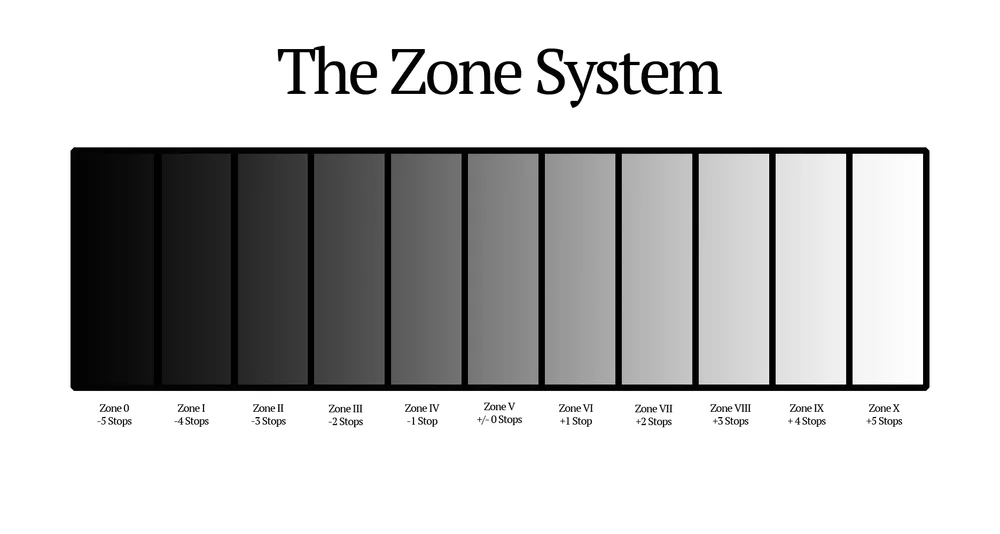
Adams believed in “true photography” where he would use the highest resolution available and full tonal range, differentiating from soft-focus pictorialism and assisted in founding the group f/64 in 1932 in California. The group also believed in Ansel’s’ mindset surrounding photography and took images of the American landscape including mountains and lakes. Ansel Adams also partnered with Fred Archer created “The Zone System” a way of representing the different tonal gradient in a black and white picture. The Zone System is still used today within photography.
The popularity of Adams work has only increased since his death in 1984.
Statement Of Intent
The project ORIGINS, will be exploring the concept of beginnings and time passing, focusing on the relationship between past and present. I will explore this concept through the study of Jersey’s history and what society on the island has looked like throughout time. I am exploring the history of Jersey in particular, because of the amount of history Jersey holds, such as all of it’s preserved sights such as Hougue bie, dating back to 4000BCE or the occupation of Jersey by the Germans during WW2 and the unrecognised impact Jersey and it’s people have made on the rest of the world through industries, crops, farming and skills developed and learnt by the jersey people. I have also found an interest in exploring history and origins of Jersey, due to the fact that I was born in Jersey myself, with both parents being born in other countries making me the first Jersey-born generation of my family, therefore my family does not have have any roots in Jersey. I will be using a documentary and staged style of photography to approach this project, focusing on lighting and colour to succeed in reimagining places of the past and the lives of the people who lived at the time, inspired by artists such as Ansel Adams who created his career in the effort of protecting and preserving America’s national parks, which also fall into the category of historical sites. Francesca Woodman and her ability to capture movement inspired my idea for the project to implement movement, representing the people and societies which have come and gone, contrasted with the stillness of historical buildings or sites having stood the test of time, carrying memories of the past to the present. I wish for my viewers to be able to step into the shoes of those who lived before us and feel a connection to the culture of Jersey which in modern day, due to technology connecting us with so many cultures and people all the time, is being lost. I also want to communicate to to my viewers just how fleeting our lives are compared with the land we live on, and obviously express where we originate from.
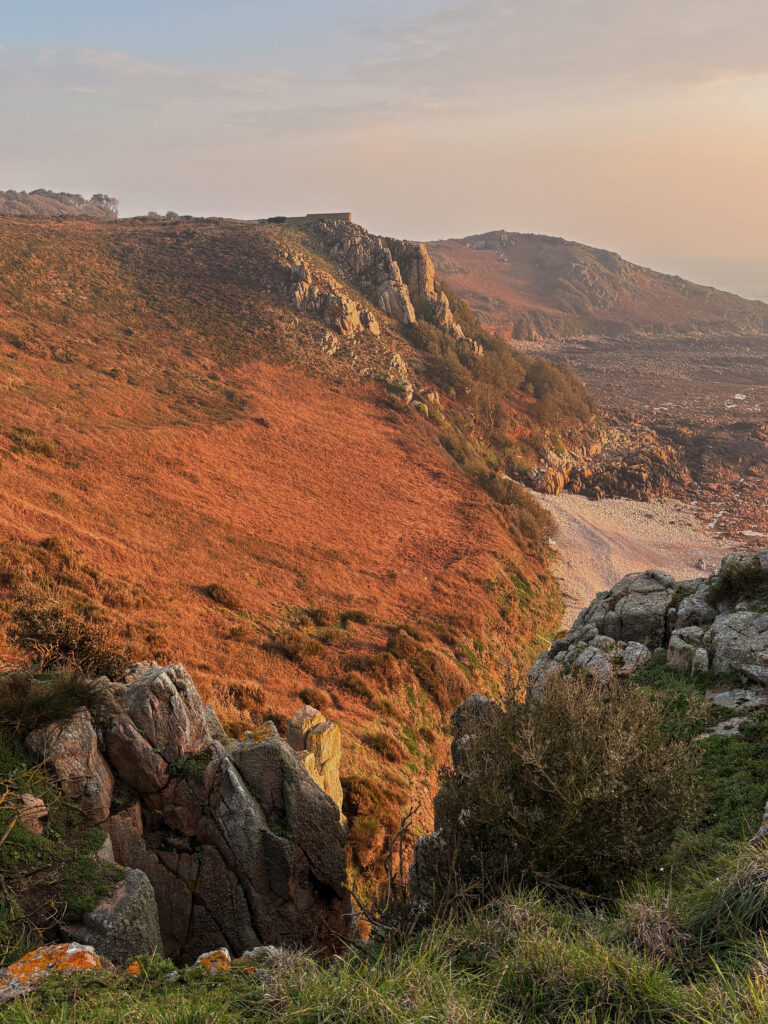
The earliest signs of human activity within Jersey dates back to 250000 years ago, before Jersey was even an island, at La Cotte De St Brelade, a significant European ice age archaeological site. Evidence was discovered of neanderthal hunters and mammoths there in 1881 and since the area has been excavated discovering evidence of it as a home base throughout the ice ages as teeth and bone fragments were found. Though the site is mostly closed off as excavations are still occuring I chose this site as an example of jersey societies earliest origins. Due to the location being so vast I felt the scenery resembled the national parks Ansel Adams took images of and attempted to use his style of photography within my own work such as wide landscapes and editing them into Black and white.
The second location was Hougue Bie the protected site has a historic tomb dating back to before the pyramids were built with remains of at least 8 people found there, along with grave goods such as pottery. The chapel above it on the hill dates to around the 12th century and was named the “Notre Dame de la Clarte” however has been modified throughout history such as in 1509 with the “Jerusalem Wall” being built then being engulfed by the “Princes Tower” in 1792 which became a popular viewing point until a communication system was built until the tower was demolished in 1923 leaving the chapel behind. During WW2 an underground bunker and bomb shelter was built on the site and now in modern times the site has been turned into a museum. I chose this location as it’s been significant throughout Jersey’s history not only during a select time period but as a changing structure throughout changes in society only to remain still standing thousands of years later.
Another location I chose born around 6000 years ago which similarly to the Hougue bie Tomb aligns with the sun on the autumn and spring equinox to allow the light to shine though, is the Dolmen de Faldouët. The site was originally also under a mound in the same way as La Hougue Bie, and the stones used to build the giant structure were transported uphill from 2 1/2 km away. Within the tomb human bones were found along with grave goods such as pottery.
The third location was Hamptonne farm. The farms history dates back to the 1400’s with the records discovered from 1445. In 1633 it was bought by Laurens Hamptonne who later declared Charles || king. Along with regular farming of crops such as Jersey Royals and traditional farm animals, the farm is also equipped for specifically apple farming and the creation of cider which was and remains a large part of Jersey’s economy . In 1988 it was bought by the national trust and turned into a museum documenting country life.
Another location was Pleamont Beach, one of the only places visible on the island where oysters grow after over farming led to the collapse of other natural oyster beds. The rock where they grow in modern times is submerged at high tide with Jersey having the second most drastic tide globally. The oyster trade began being profitable in Jersey around 1810 when fisherman began trading outside of Jersey. By 1850 Gorey had 1000 fishermen working and 300 vessels dedicated to the trade. In the 1970’s The Jersey Oyster Company began their effort to revive colonies in Jersey waters and continue to farm them today.
Though there wasn’t a specific location in mind for this shoot, a large part of Jersey’s culture has to do with Jersey Dairy industry and therefore Jersey cows. Though cows have been on the island for over 1000 years with no specification when the first appearance was it’s likely they originated from Brittany or France. The dairy industry dates back to the 1700’s which in 1763 a law prohibited farmers from importing cheaper french cattle to ensure the Jersey cow breed was protected. A law was also introduced banning the importation of any other animal milk from a company other than Jersey Dairy. In modern day there are around 6000 Jersey cows left in Jersey.
CONCEPT
Editing
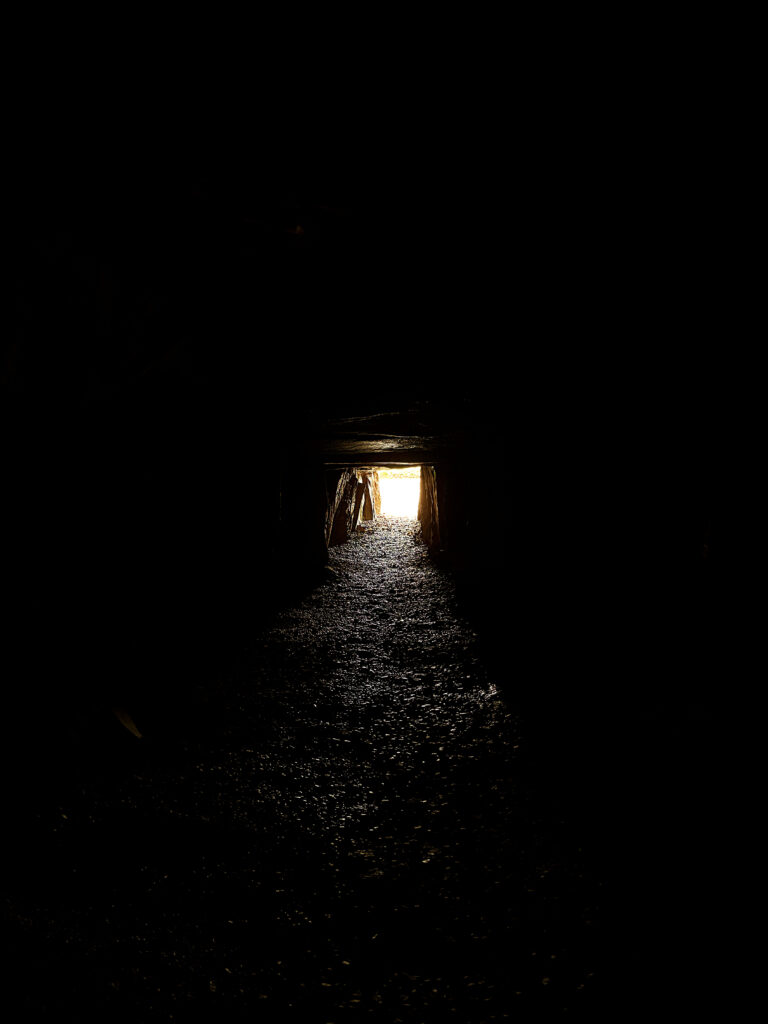
Whilst editing I tried to have the images remain has close to the original as possible to reflect what the eyes of the original people would’ve seen with.
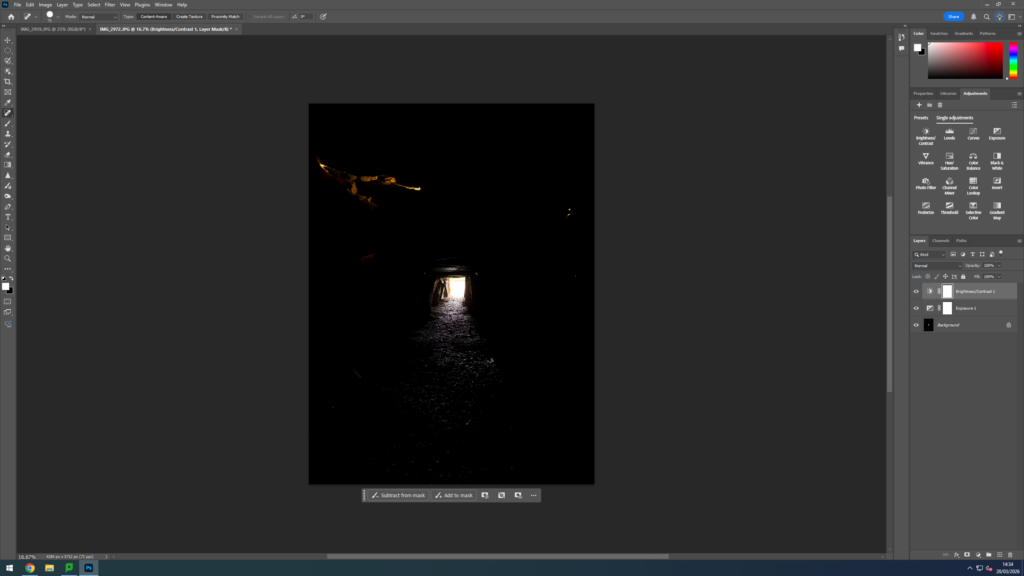
To have give the image a more authentic feel I used the “Spot Healing Brush Tool” to erase the reflection of the modern LED lights on the walls of the cave which have been placed there for visitor safety which obviously would not have been there in the Neolithic period.
Experimentation:
I thought about how I phrased my summery of what my project was about “Through the eyes of the people who lived before us” and realised the camera did not encapsulate the perspective of a person but of course the perspective of someone looking through a camera. So I took the ideas of “eyes” and reimagine myself as a person from the time for example during WW2 clothing, and views would’ve been different a person of the time could’ve been looking through a gasmask or a soldiers helmet may have been obstructing their view. Therefore, I implemented these aspects into some of my images, drawing inspiration from the first person and voyeuristic perspective used by artists such as: IDK
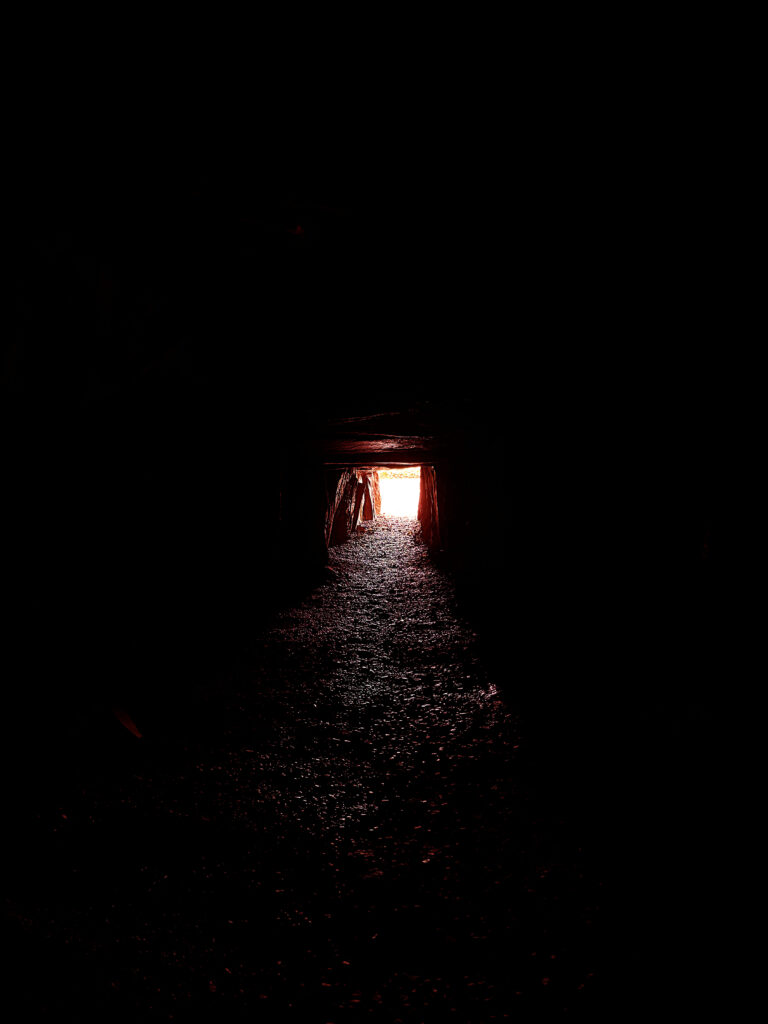
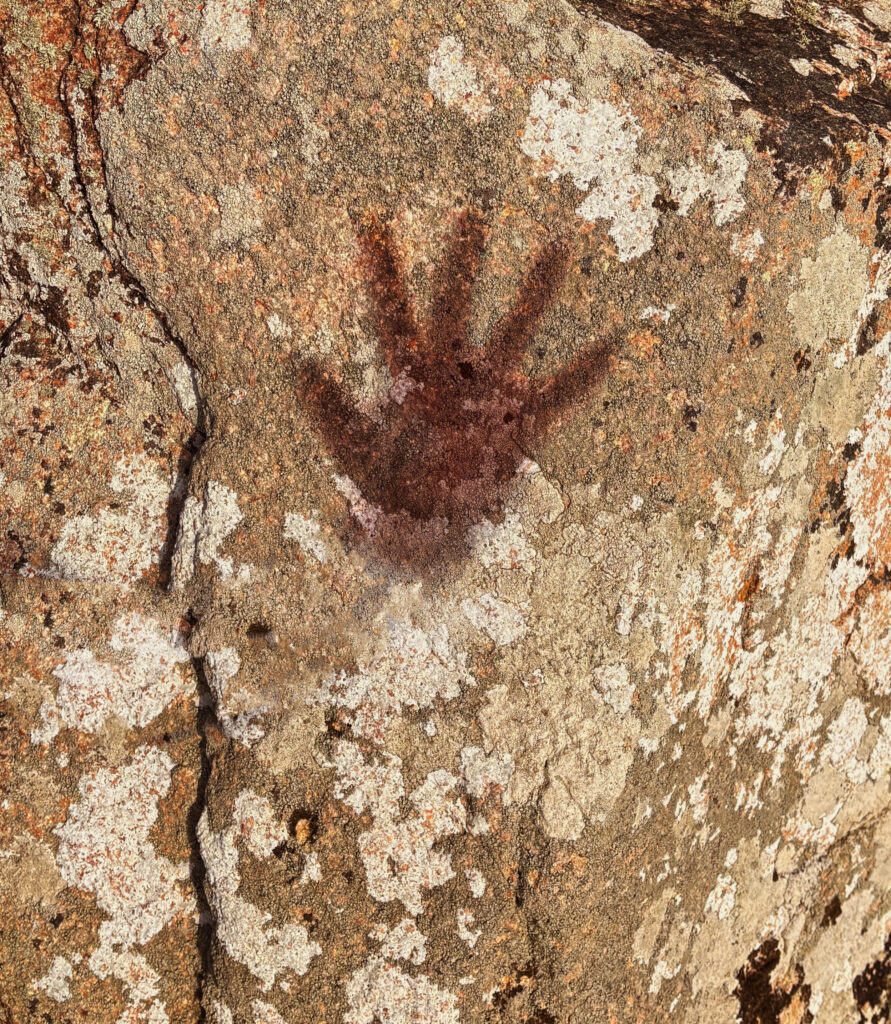
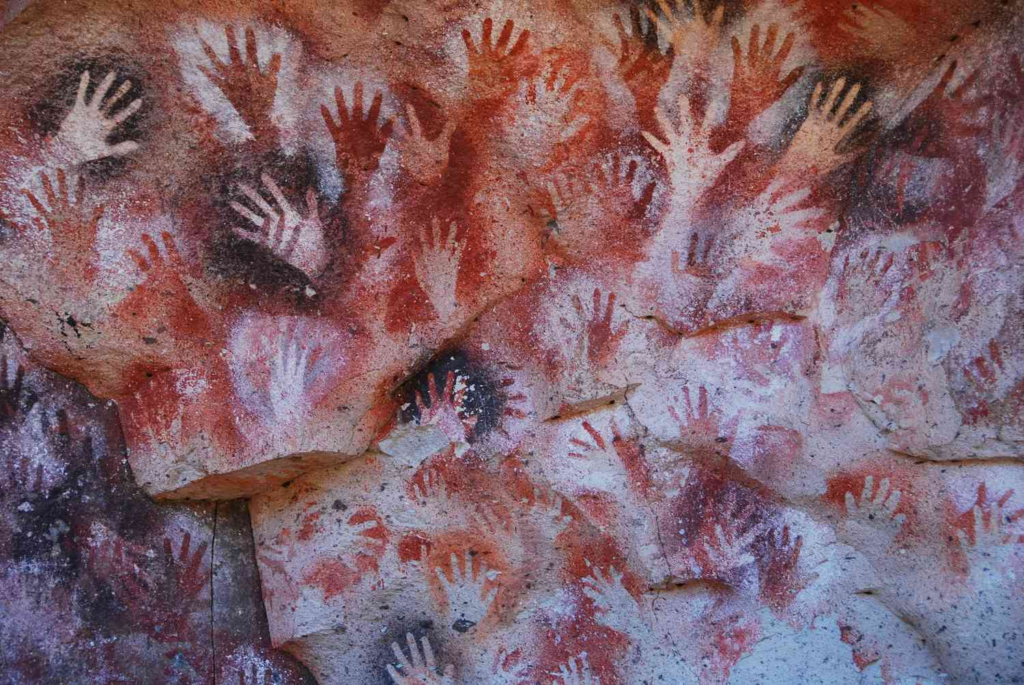
When representing history visually I also thought about colouring and a common theme when representing history is the colour red, some of the first documentations of society were red handprints, the red colour of rust is also a visual demonstration of passing time, and of course blood. Blood being the depiction for life and the repeating factor in the origin of every human as every human is born through blood.
Therefore throughout my pieces I experimented using the colour red to represent life and it worked particularly well within this image as the original purpose behind this Neolithic tunnel was to be a tomb, somewhere to bury the dead however throughout history it has been given new purposes such as during WW2 when the Germans used built an underground bunker at the bottom of the hill and how even today I am using it as a photography subject, and repurposing it, giving it new life. Therefore this image represents new life and rebirth of historical sites, looking back to the origins of where human life first begins.
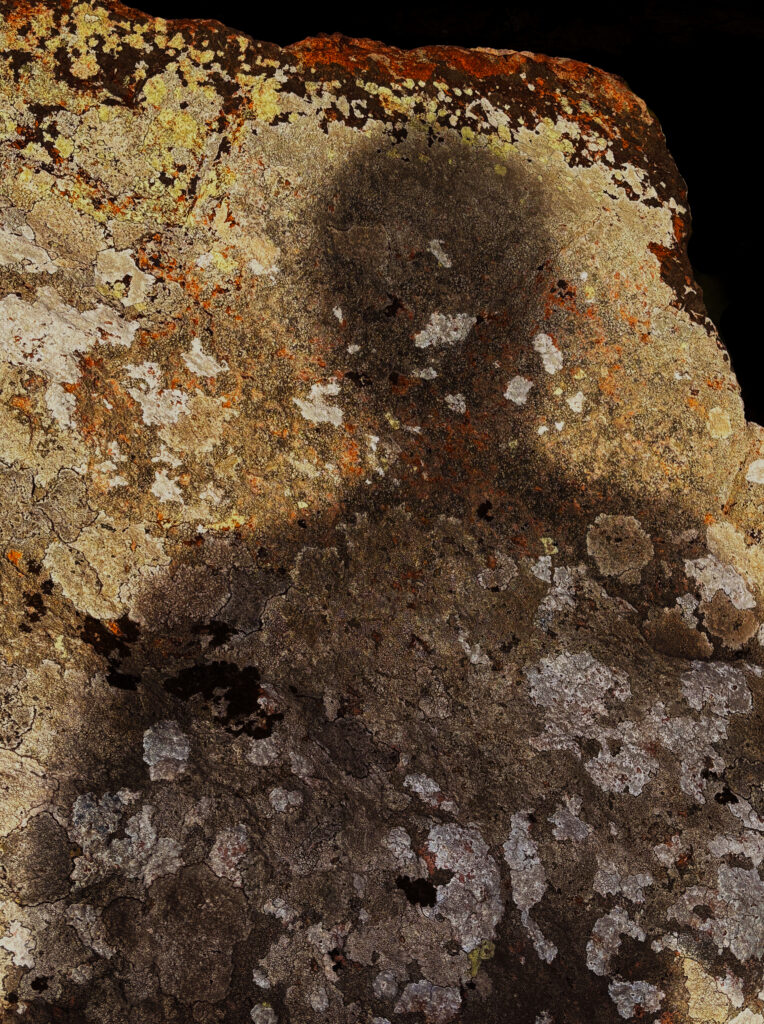
In my next shoot when attempting to replicate the long exposure shots my camera died and I was forced to use my phone which does not allow the same control over exposure as a traditional camera so I had to improvise, which led me to question what’s a way to demonstrate past humans visually on inanimate objects in photography? So I an idea I had was to look at shadows and shadows of the past using hands to replicate some of the first documentation of human existence in history, without damaging historical sites.
In my next shoot used light and long exposure to create shapes within historical sites such as Hamptonne having my Dad create movement by walking around the museum. Using the timer on my camera I also used myself as a model to create more abstract and dynamic patterns reflecting the work of Francesca Woodman.
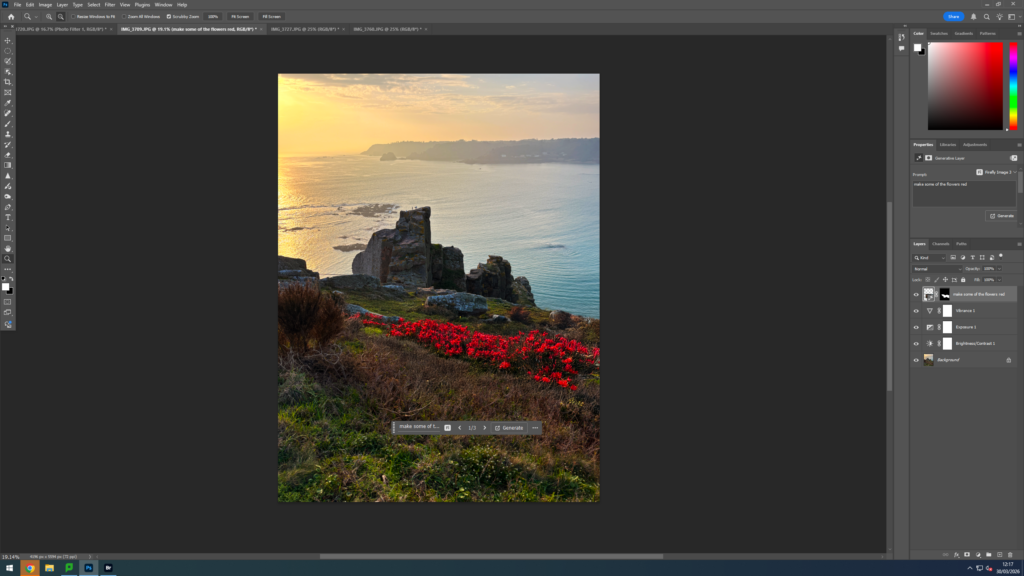
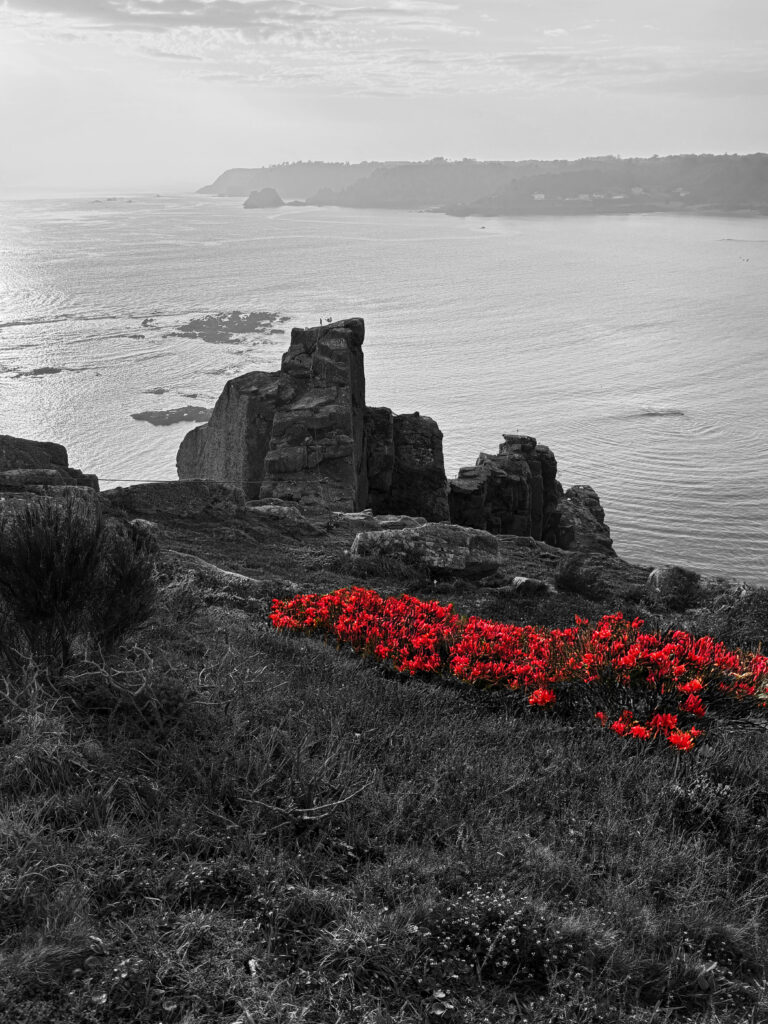
I changed the flowers to be red to continue with the theme of red throughout my work however I then changed the original image to black and white and created a colour pop image to accentuate the red.
However, I felt this didn’t work well with the theme and looked poorly done appearing quite fake so I decided against using it as a final piece.
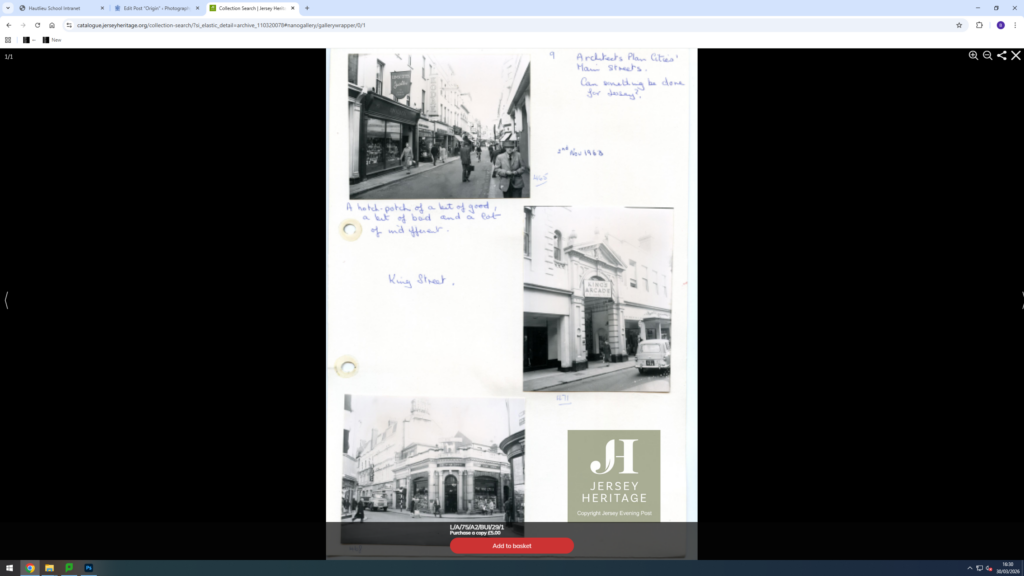
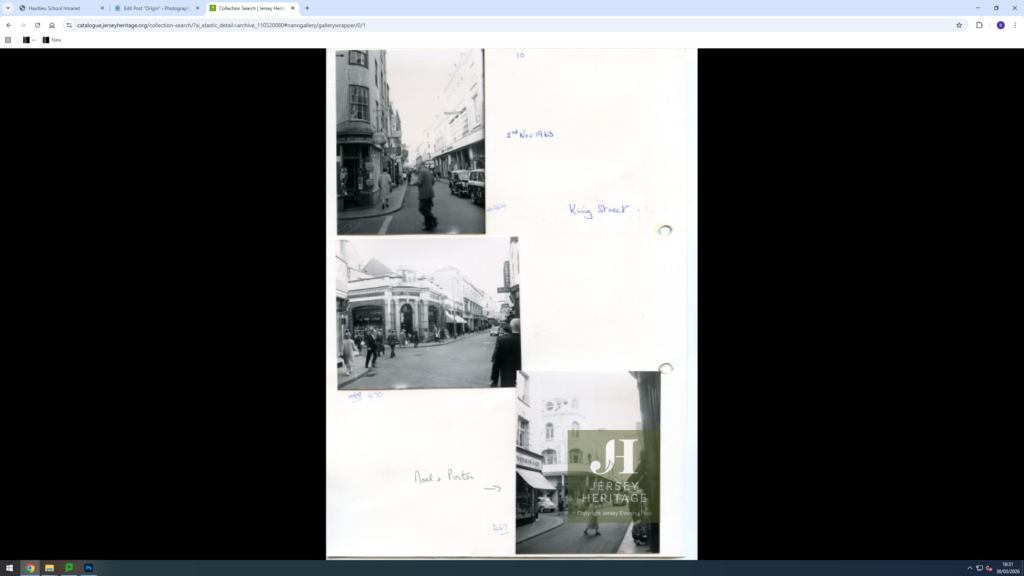
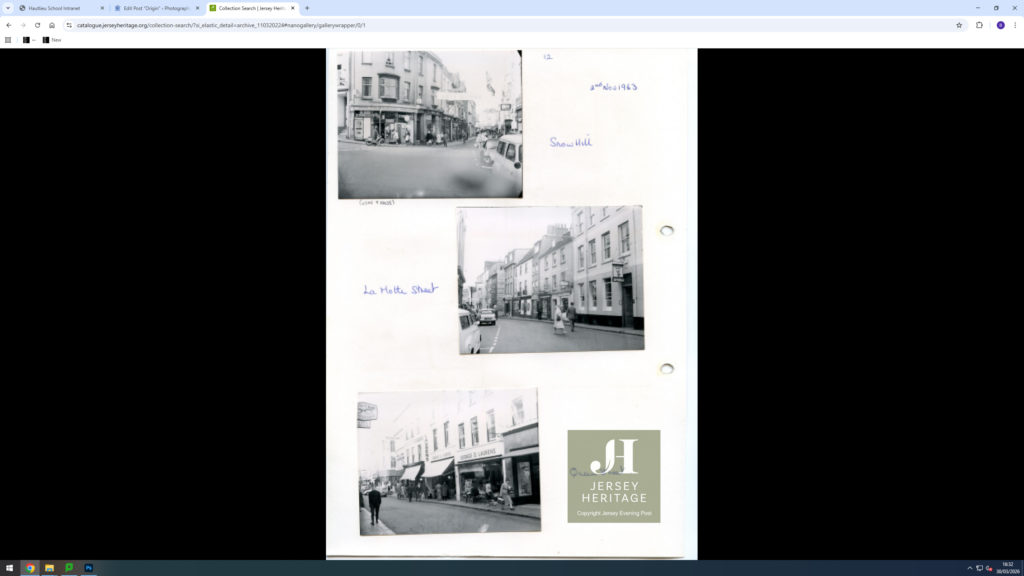
I thought about using archive images and comparing them with my own demonstrating how things have developed over time layering the new and old and using opacity on photoshop to overlap them.
When visiting the cliffs of La Cotte De St Brelade I felt the landscape mirrored some of the National Parks pictured within Ansel Adams work and though of course my photography is restricted in the fact that Jersey has no National Parks to photograph we do have many broad landscapes and coasts which is why I felt taking images in the style of Ansel Adams would work for this shoot. I experimented with Black and white images and colour when editing my images with B&W being more similar to Adam’s work I also felt the colour worked well too.
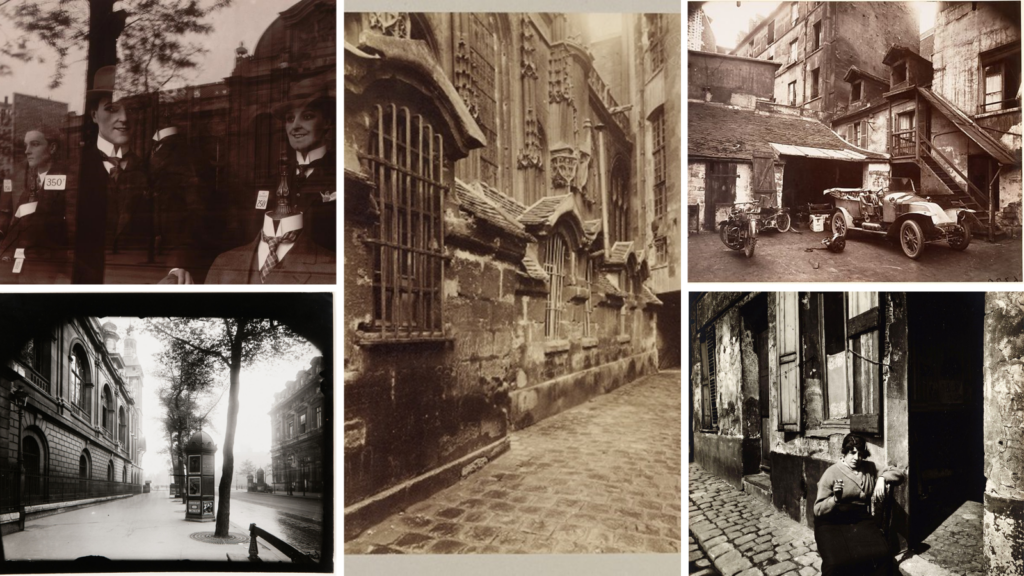
Eugène Atget was a French Photographer that was widely known for his photographs of the Capital city of France (His hometown) Paris. He started his work in the late 1880s and his work supported art students and architect. Furthermore Eugene started his photography using a large format camera with a wide lense so he could fully capture the essence of the Capital city in detail.
MoodBoard Of His Work
Why did I choose him for my artist reference?
I chose Eugène as his style reminds me of the way pictures were around the time my grandad was growing up. I am aiming to re create this style making my images as close to the original images as possible. Even though his photography is more closely linked to everyday life and the precise architecture of the streets of Paris I believe I can still incorporate parts of his work into my own. I can also branch off his work with the layout of my own images as I can compare my present pictures with those taken in the past and look for any similarities and differences
Below is also a hyperlink that takes you to the MoMA sight where more pieces of his work are visible alongside more background knowledge of him.
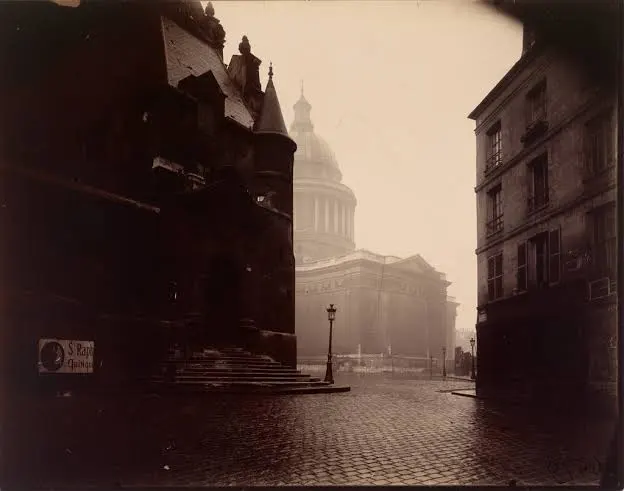
The shutter speed used seems to be quite high and quick because of the dark shadow effect that is visible around the outsides of the images. The ISO seems to be relatively low as the image is taken during high levels of light. This contrast of different lighting creates an eerie feeling to the images. This is further emphasised by the lack of people in the image as the street seems to be very desolate
Visual: This seems to be the end of a street leading up to a bank or a building of interest such as a cathedral. The reflection of the light off the stone floor creates a reflection and further increases the tone of the image giving it more of a haze look and feel. the texture seems to be quite sharp even though the camera must of been quite outdated. There also seems to be a clear pattern of the paved floor and how that type of detail and structure is then reflected towards the building of interest as that also has very high levels of detail into the architecture.
Contextual: In the late 1800s Photography was still just starting out. So pictures taken by Eugene were all incredibly powerful towards the movement of photography as they kept opening new ideas, angles and possibilities that people were yet to explore.
Conceptual: The notion behind this piece of work is that of a prestigious representation of the government. Eugene has taken into account how different factors change the way that the Cathedral is represented.